Work from a shared world
Start from the team's history, keep it fresh, and know what you are holding.
This page is executed as written by packages/cli/src/journeys/tutorials.test.ts; the recording
is made from the same run.

The shared world, for this page
The world from share a world, on this machine, with one issue in it.
{ "name": "acme-web", "private": true, "type": "module", "dependencies": { "@octokit/rest": "^21" } }
import { Octokit } from '@octokit/rest';
const octokit = new Octokit({ auth: process.env.GITHUB_TOKEN });
const { data: issue } = await octokit.issues.create({ owner: 'acme', repo: 'web', title: process.argv[2] ?? 'Launch checklist' });
console.log(`filed #${issue.number}`);
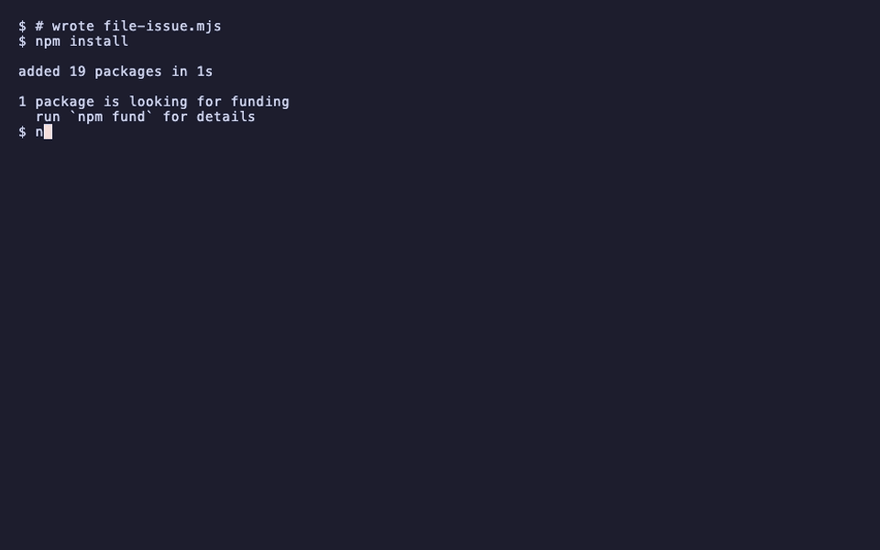
npm install
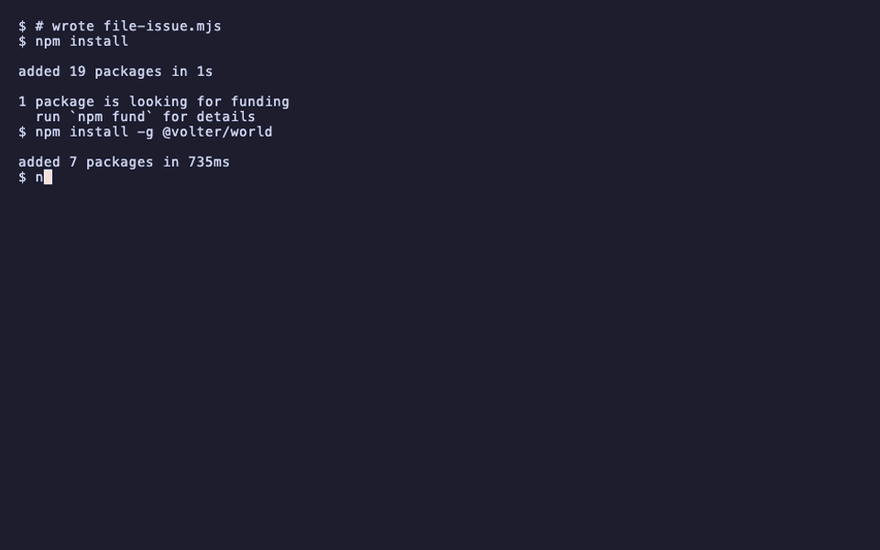
npm install -g @volter/world
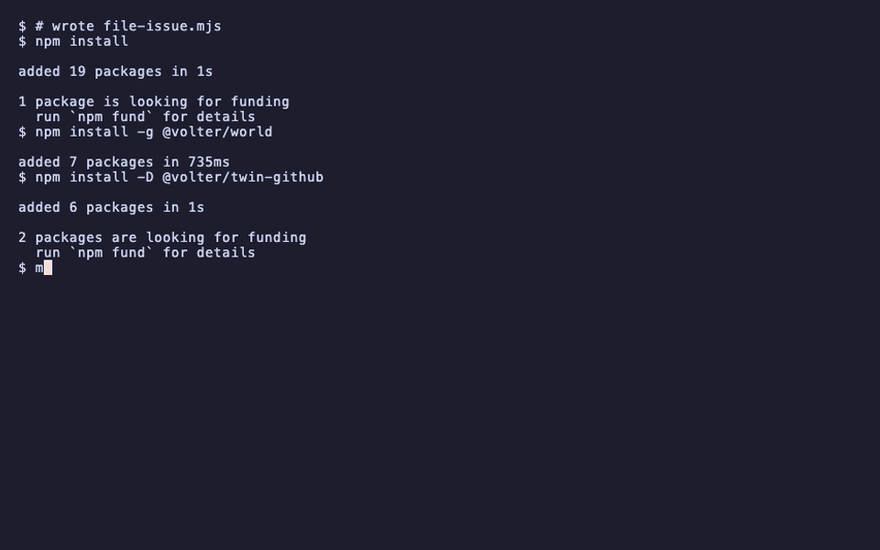
npm install -D @volter/twin-github
mkdir ../team && cd ../team && volter world init --bare acme/team --twins github
volter world serve --port 4300 &
cd ../acme-web
volter world init
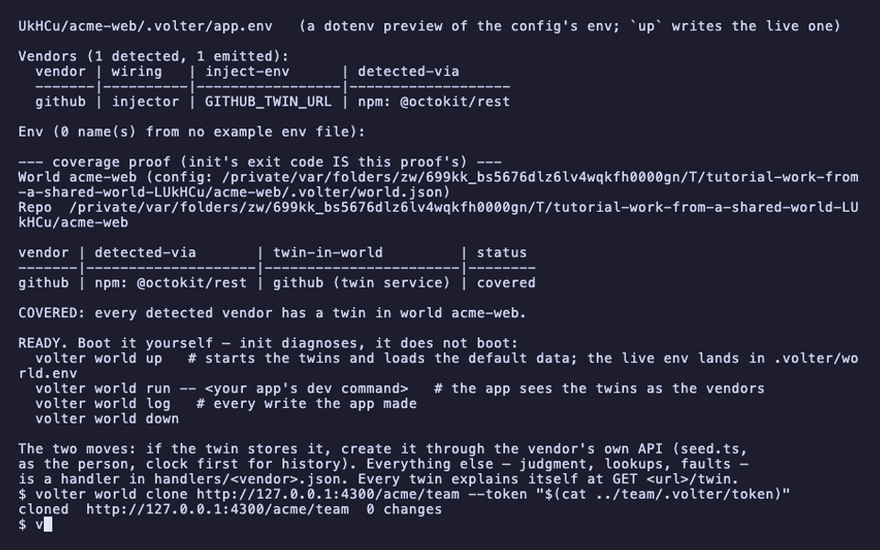
volter world clone http://127.0.0.1:4300/acme/team --token "$(cat ../team/.volter/token)"
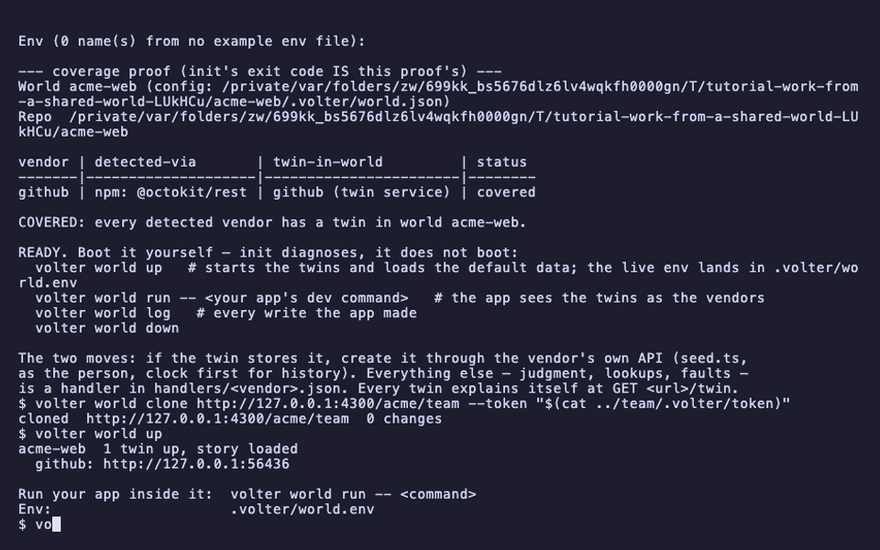
volter world up
cloned http://127.0.0.1:4300/acme/team 0 changes
Clone
clone records the shared world as origin, remembers the token in your config directory
(~/.config/volter/credentials.json, owner-only, keyed by the URL), and sets your base to the
shared world's current position. Your world's history is the team's from here on.
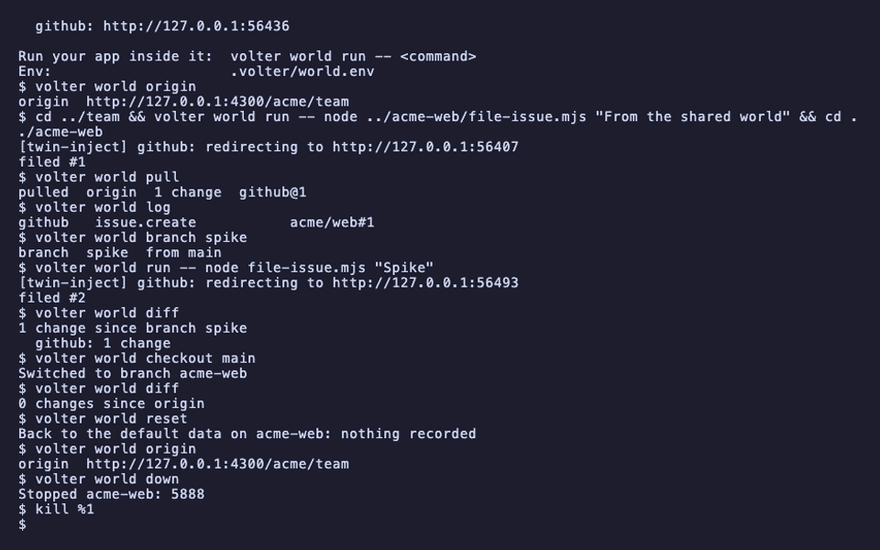
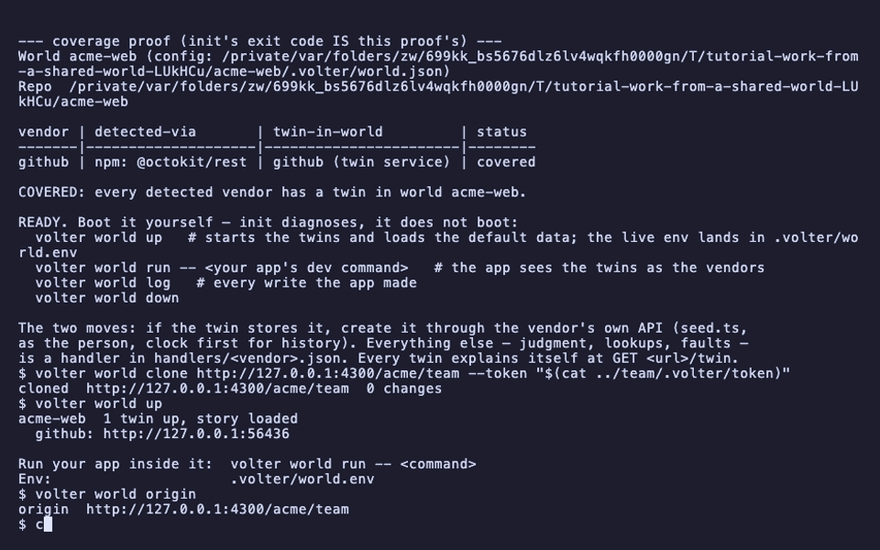
volter world origin
origin http://127.0.0.1:4300/acme/team
Pull
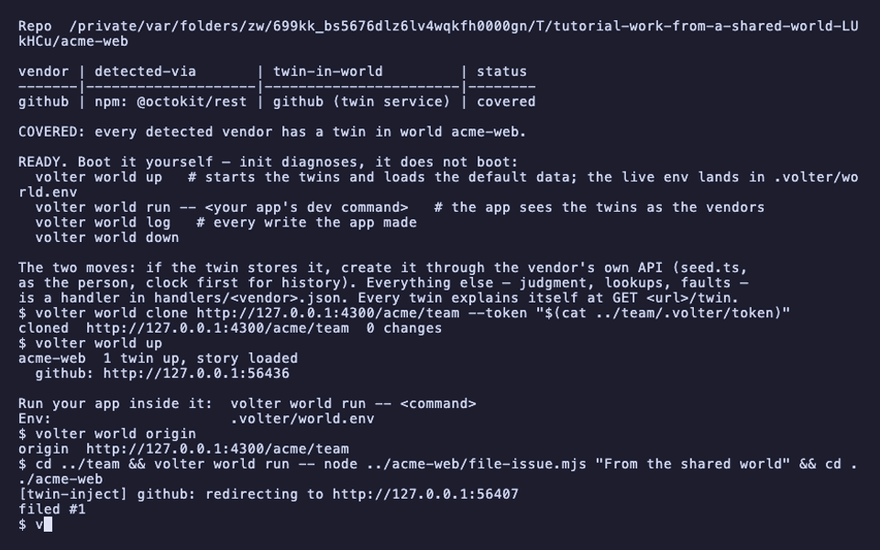
Someone else pushes. pull brings it in and moves your base; your own entries stay on top.
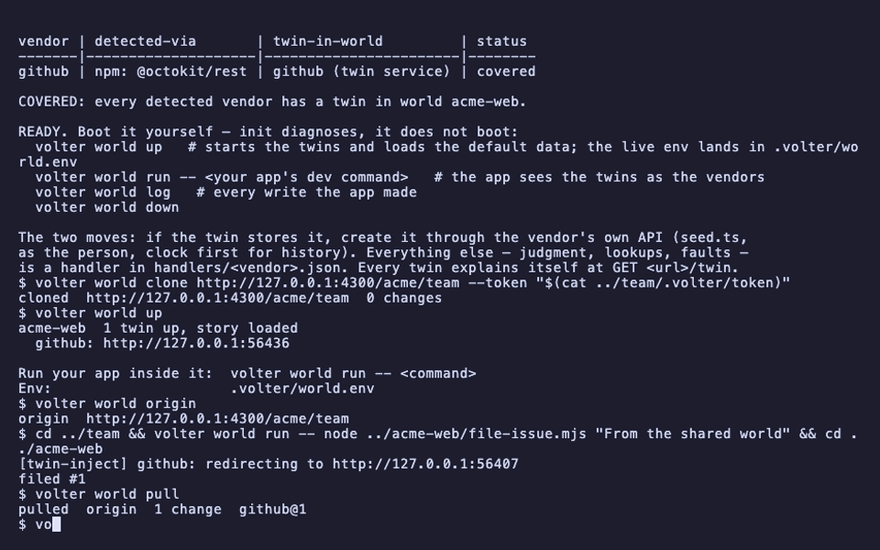
cd ../team && volter world run -- node ../acme-web/file-issue.mjs "From the shared world" && cd ../acme-web
volter world pull
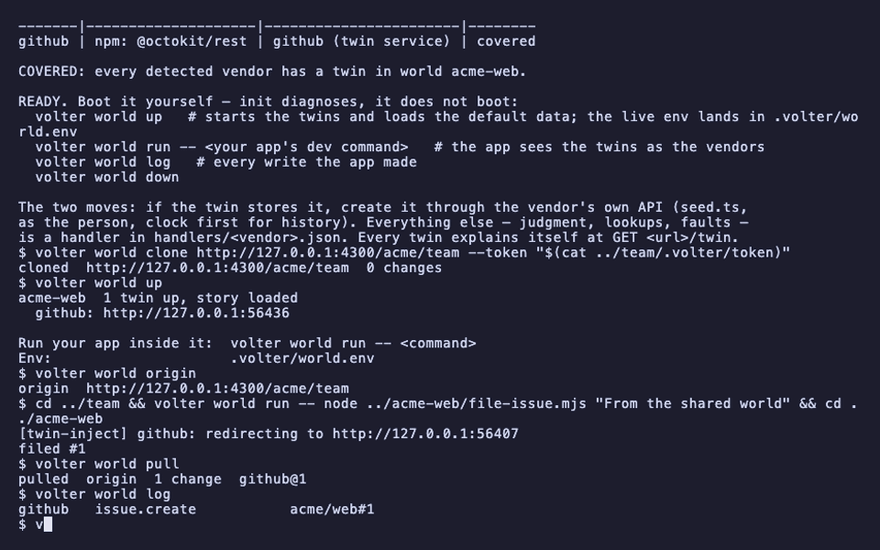
volter world log
pulled  origin  1 change
github   issue.create   acme/web#1
Pull before a push, and pull whenever you want the world to look like the team's does now.
Branch over the shared history
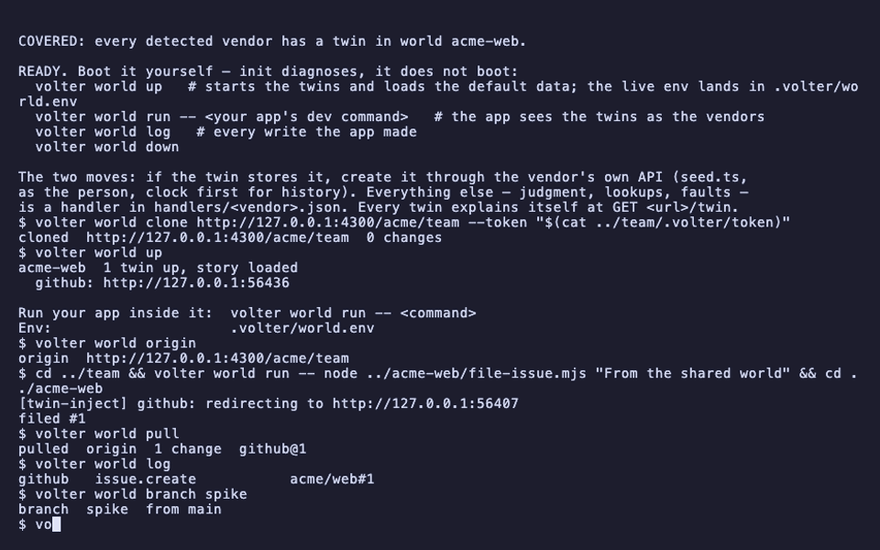
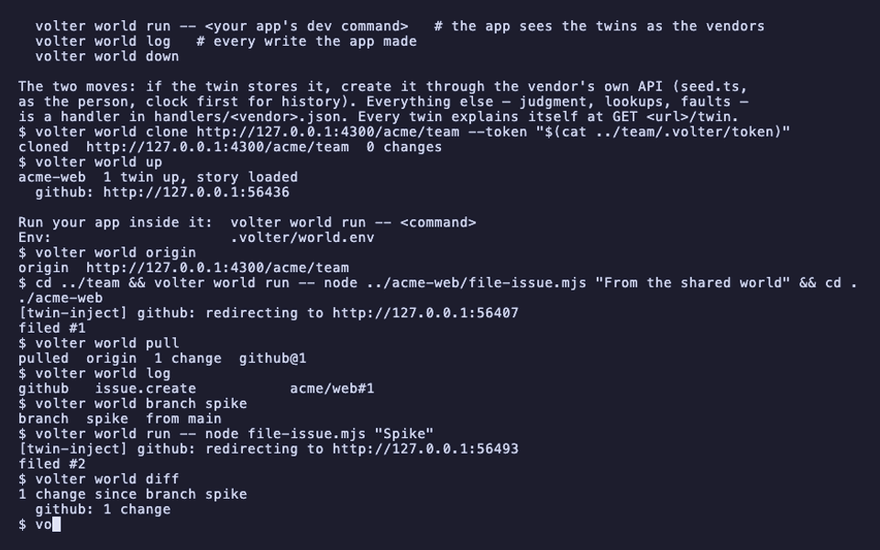
A branch starts at your current position, which is now the team's history. Work on it, compare, and come back.
volter world branch spike
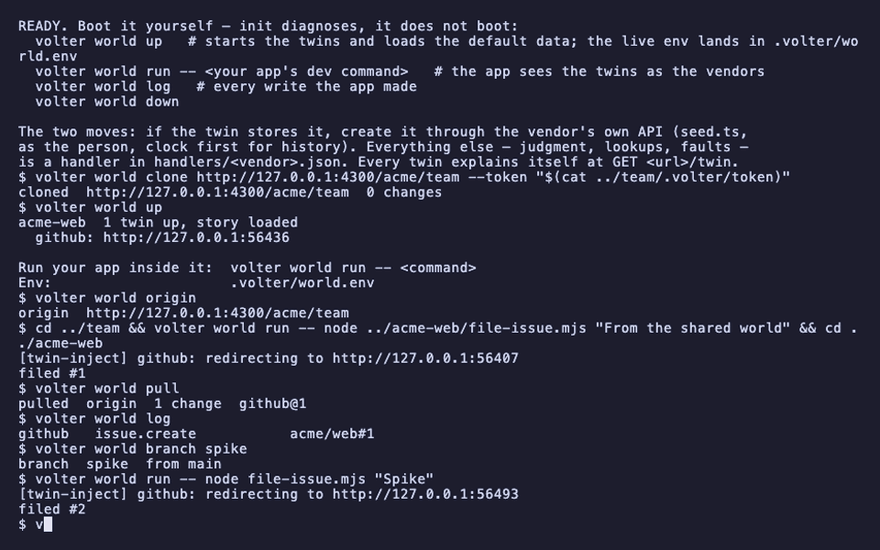
volter world run -- node file-issue.mjs "Spike"
volter world diff
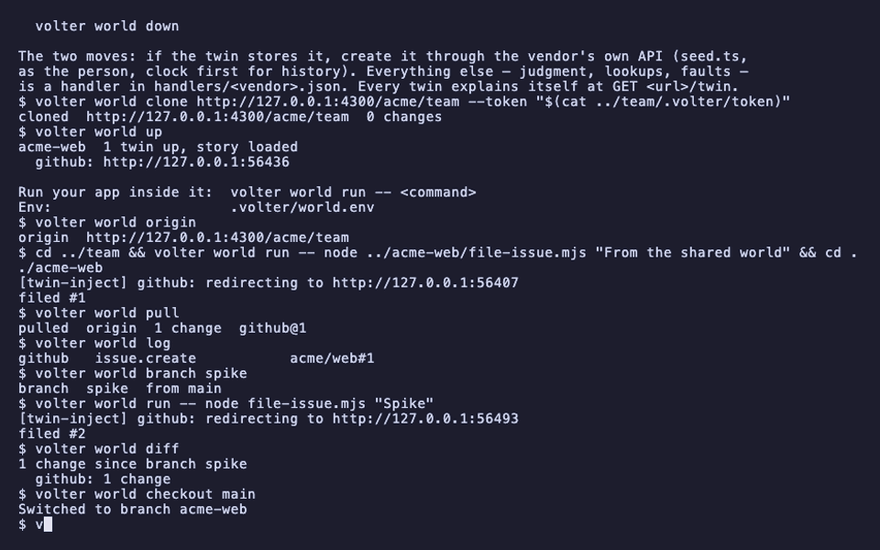
volter world checkout main
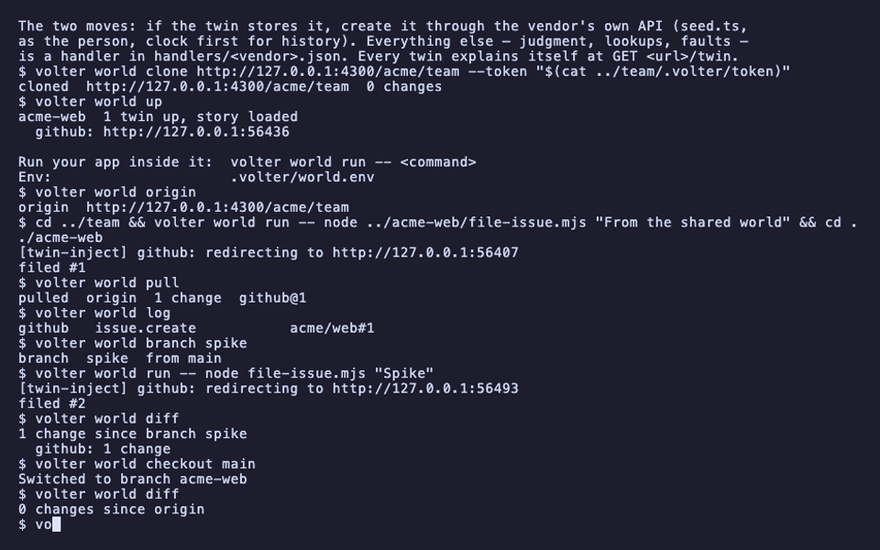
volter world diff
filed #2
1 change since branch spike
0 changes since origin
What you are holding
If the shared world's twins have a root at the vendor, the history you cloned is real records from
a real account, in plain text on your disk. Treat it that way: do not commit it, do not paste it
into a bug report, and volter world reset or volter world down --purge when the session that
needed it ends. Data and keys says exactly what lands where.
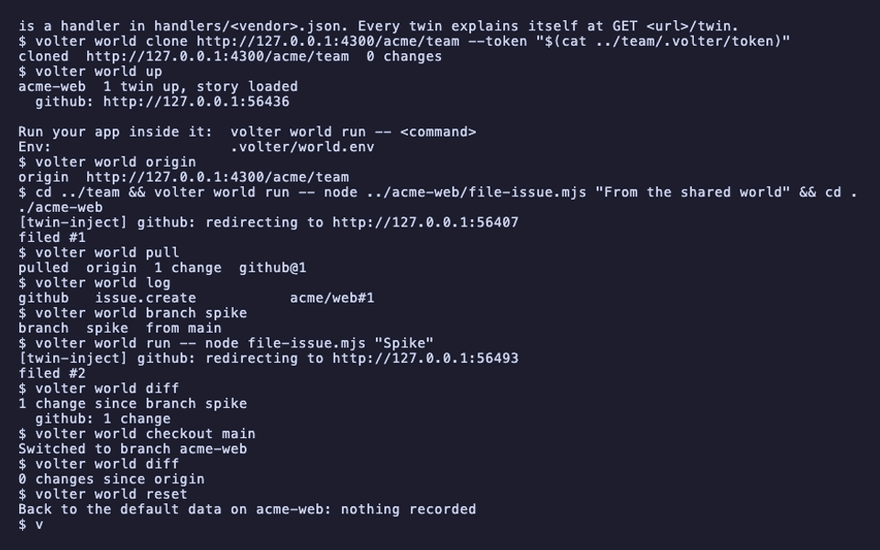
Back to the default data
A world with an origin can still reset. The branch returns to the default data; the origin stays
recorded, and the next pull brings the team's history back.
volter world reset
volter world origin
volter world down
kill %1
origin http://127.0.0.1:4300/acme/team
Playback
Each command above, as the recording shows it.
npm install
npm install -g @volter/world
npm install -D @volter/twin-github
mkdir ../team && cd ../team && volter world init --bare acme/team --twins github
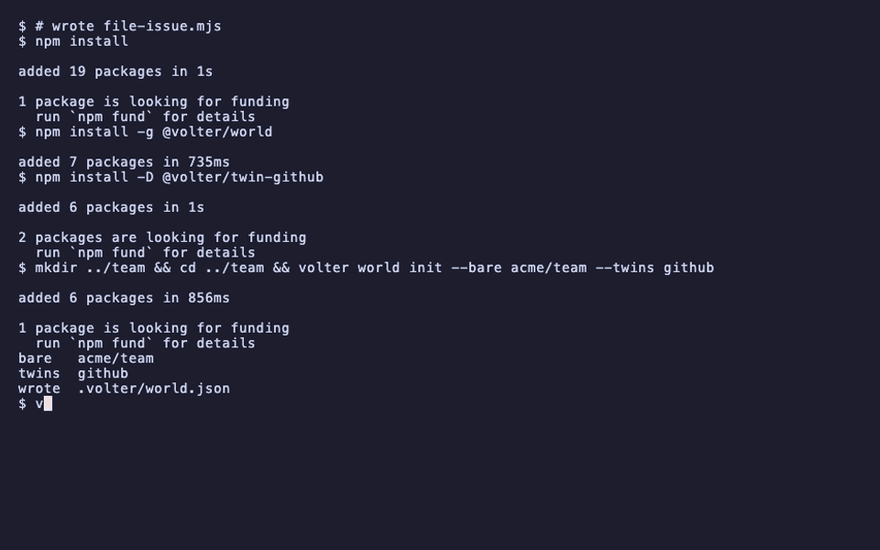
volter world serve --port 4300 &
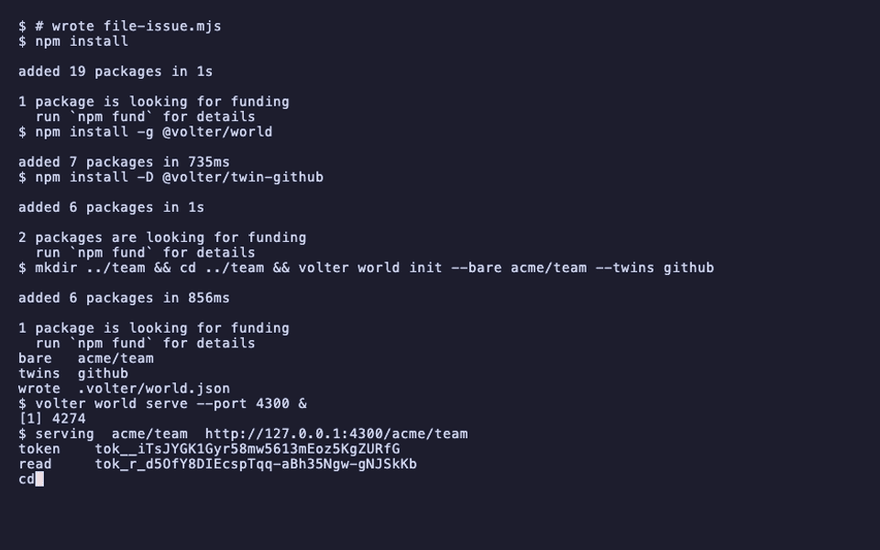
cd ../acme-web
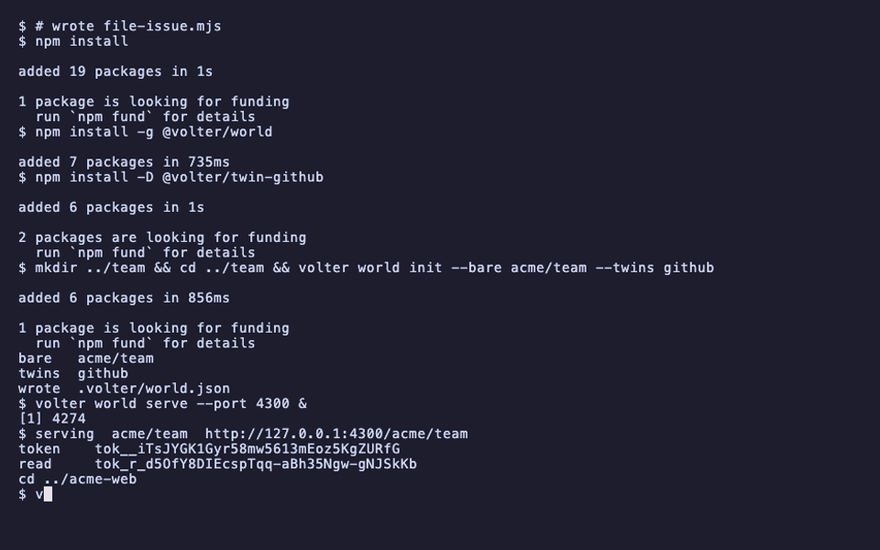
volter world init
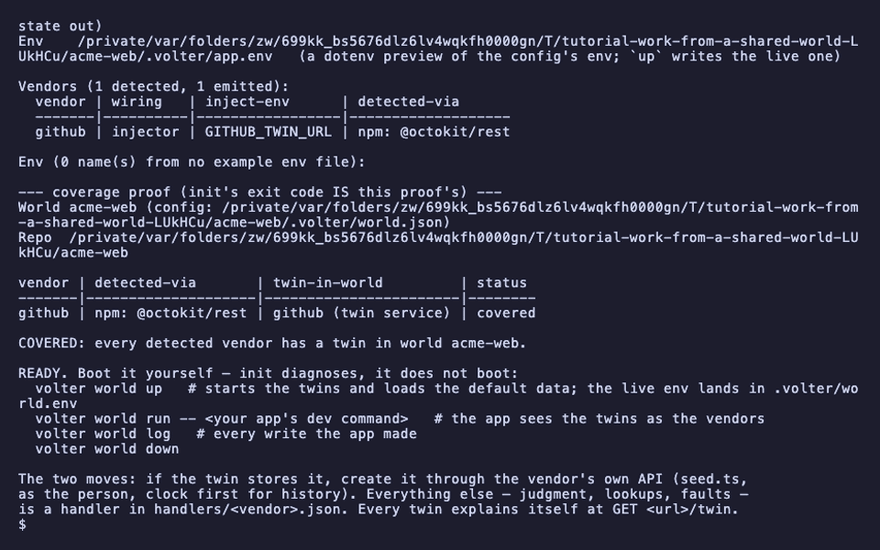
volter world clone http://127.0.0.1:4300/acme/team --token "$(cat ../team/.volter/token)"
volter world up
volter world origin
cd ../team && volter world run -- node ../acme-web/file-issue.mjs "From the shared world" && cd ../acme-web
volter world pull
volter world log
volter world branch spike
volter world run -- node file-issue.mjs "Spike"
volter world diff
volter world checkout main
volter world diff
volter world reset
volter world origin
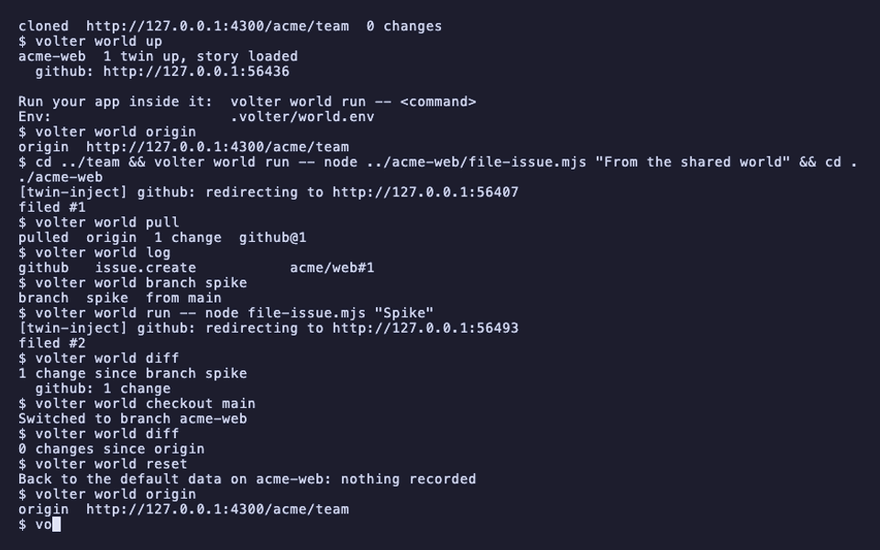
volter world down
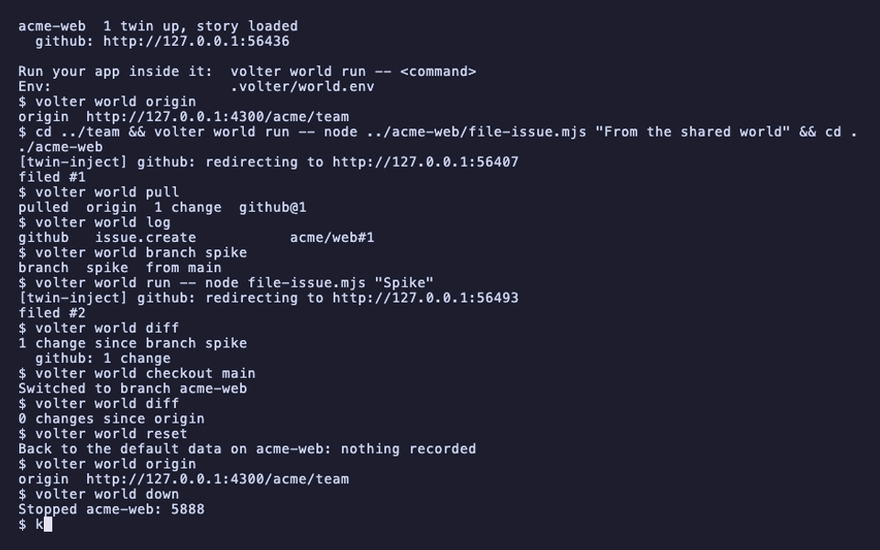
kill %1