Seed and reset
Get a known state, and get back to it.
This page is executed as written by packages/cli/src/journeys/tutorials.test.ts; the recording
is made from the same run.

The app
The same app as getting started: Stripe and Slack, and a signup script.
{ "name": "acme-web", "private": true, "dependencies": { "stripe": "^17", "@slack/web-api": "^7" } }
STRIPE_SECRET_KEY=
SLACK_BOT_TOKEN=
import Stripe from 'stripe';

const stripe = new Stripe(process.env.STRIPE_SECRET_KEY);
const customer = await stripe.customers.create({ email: 'ada@example.com', name: 'Ada' });
console.log(`created ${customer.id}`);
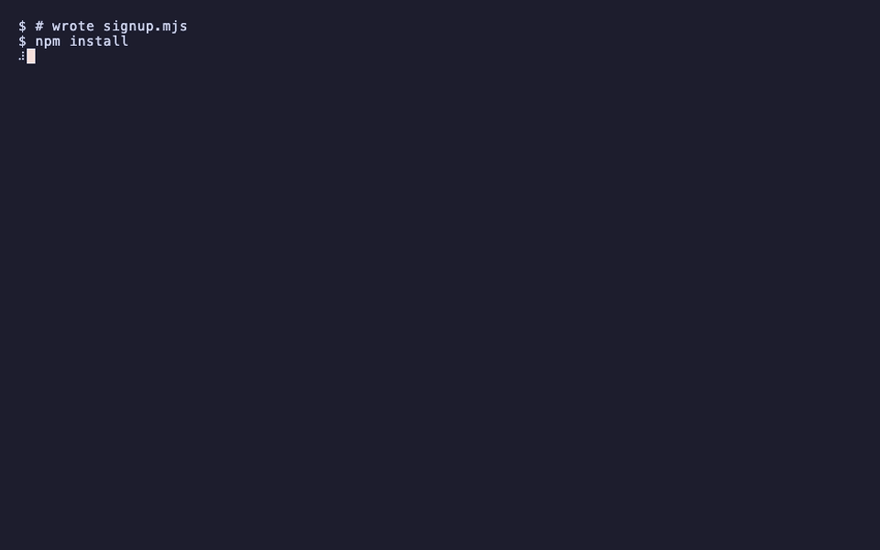
npm install
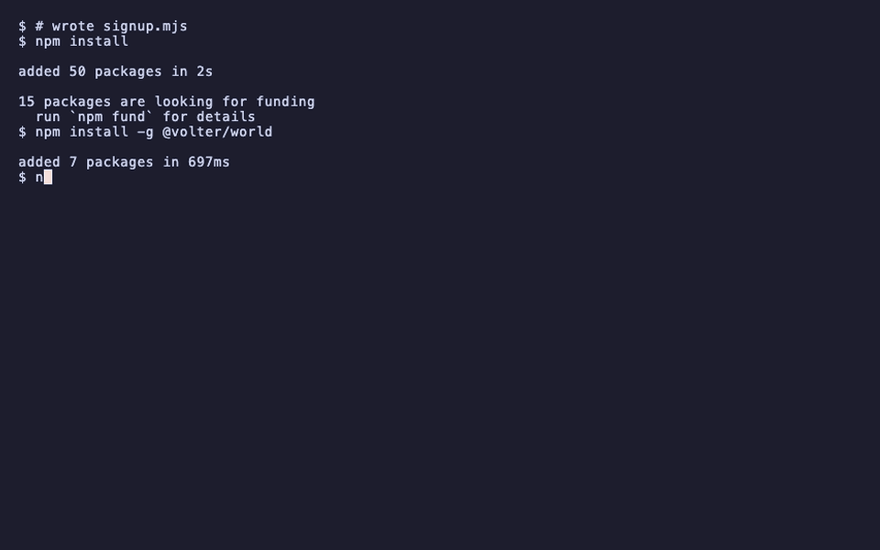
npm install -g @volter/world
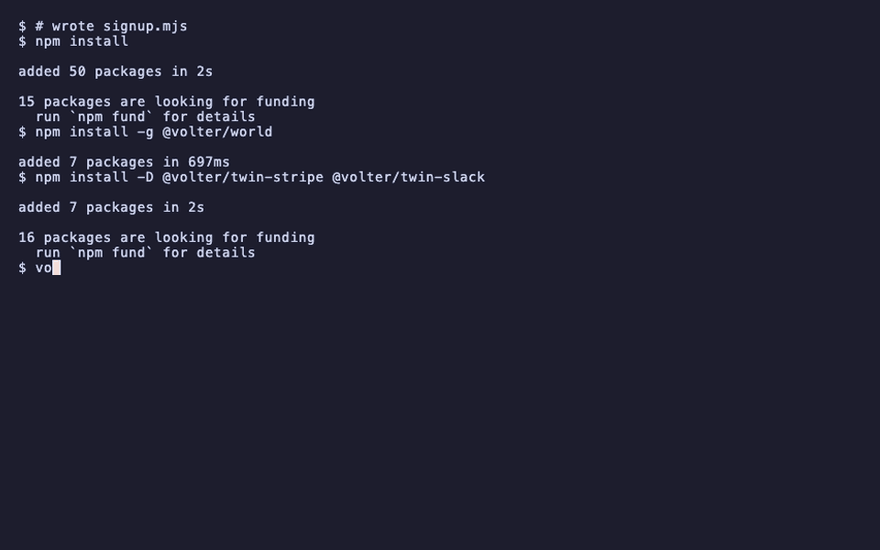
npm install -D @volter/twin-stripe @volter/twin-slack
volter world init
The default data
Every twin that ships default data brings it along: a coherent starting state, created through the vendor's own API the first time a branch comes up. The slack twin's defaults are two channels and a first conversation; a twin without defaults starts empty.
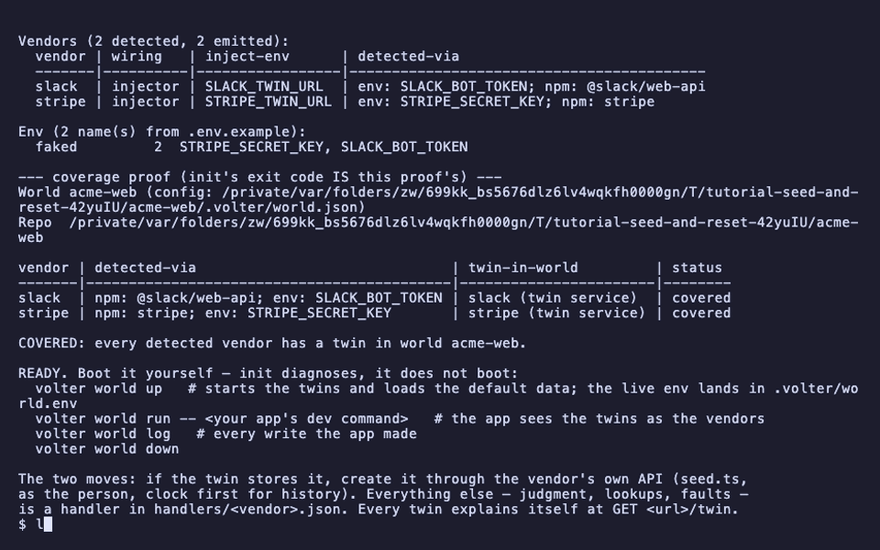
init copied each twin's seed into the repo, and composed them:
ls .volter/seed.ts .volter/seeds/defaults .volter/seeds/story.ts
.volter/seed.ts
.volter/seeds/story.ts
slack.ts
seed.ts is the entry: the defaults first, then your story. seeds/defaults/slack.ts is the
slack twin's defaults, yours now to edit or delete. seeds/story.ts is your story.
Your story
Put the state your app expects into .volter/seeds/story.ts, through the vendor's API. If the
twin stores it, create it through the vendor's API: that is the whole rule for data, and it keeps
the seed honest, because a record the twin would refuse is refused in the seed too.
// Your world's STORY — the state the app expects, through the vendor's own SDK. A seed runs
// after every boot and whenever you ask, so it looks before it creates: the same story twice is
// the same world.
import Stripe from 'stripe';

export async function story(): Promise<void> {
  const stripe = new Stripe(process.env.STRIPE_SECRET_KEY!);
  const existing = await stripe.customers.list({ email: 'founder@example.com' });
  if (existing.data.length > 0) return;
  await stripe.customers.create({ email: 'founder@example.com', name: 'Grace' });
}
Load it
The first up of a branch loads the default data: the seed runs with the world's env, so it
talks to each twin through the vendor's ordinary API, pointed at STRIPE_TWIN_URL and its
siblings.
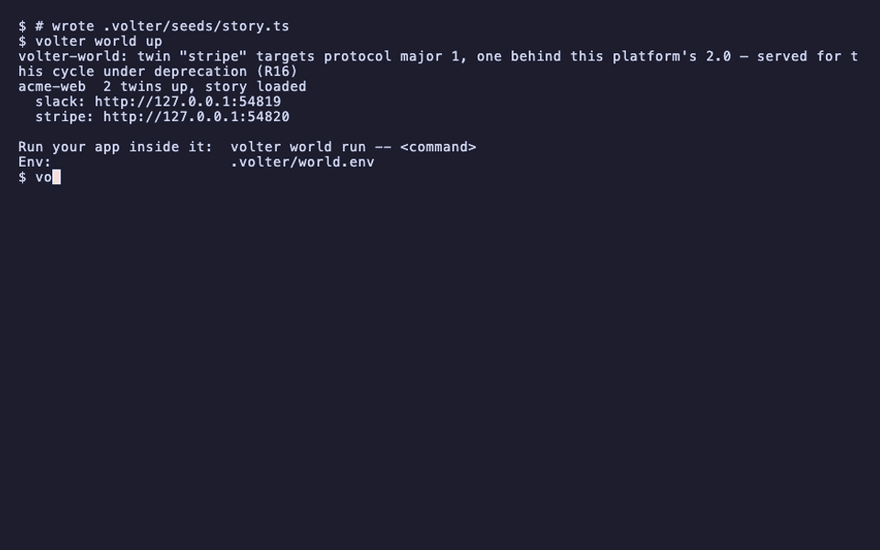
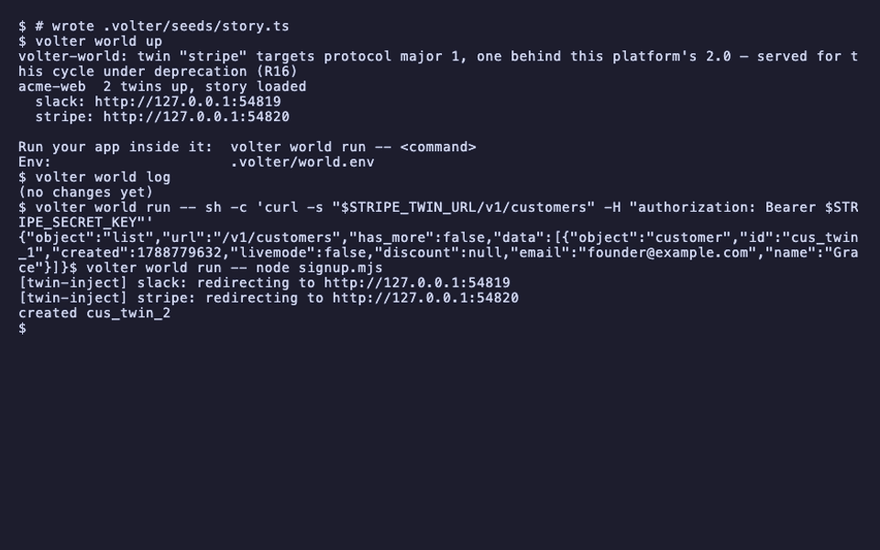
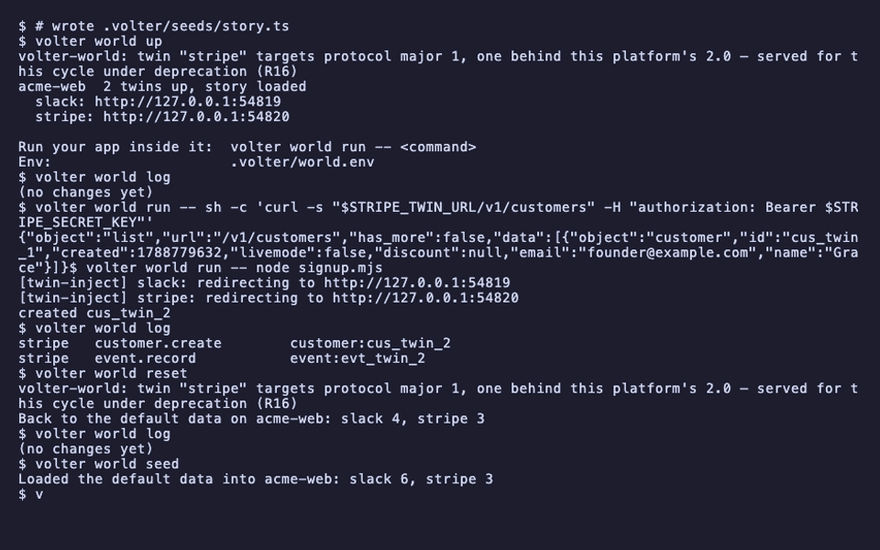
volter world up
acme-web 2 twins up, story loaded
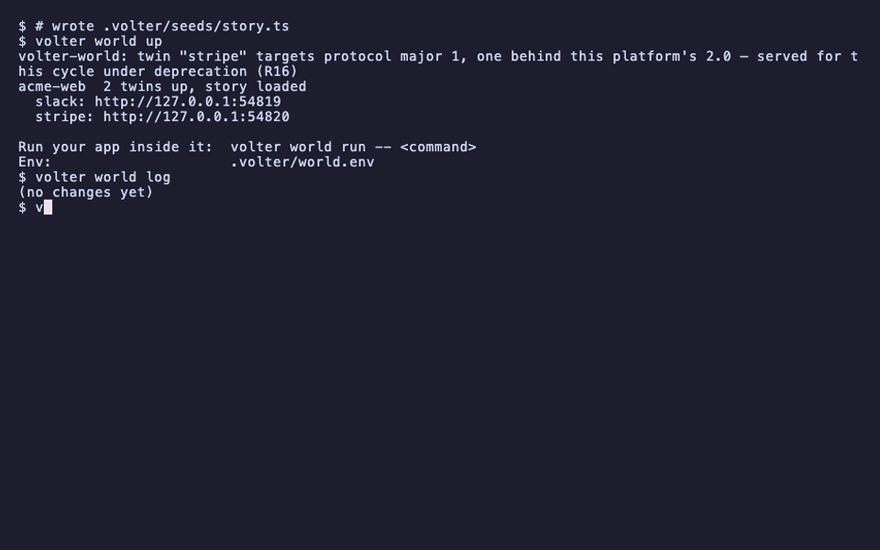
While the seed runs, every twin records what it creates as data that was already there: the default data is the world's starting position, not your changes. The log is empty and nothing is pending:
volter world log
(no changes yet)
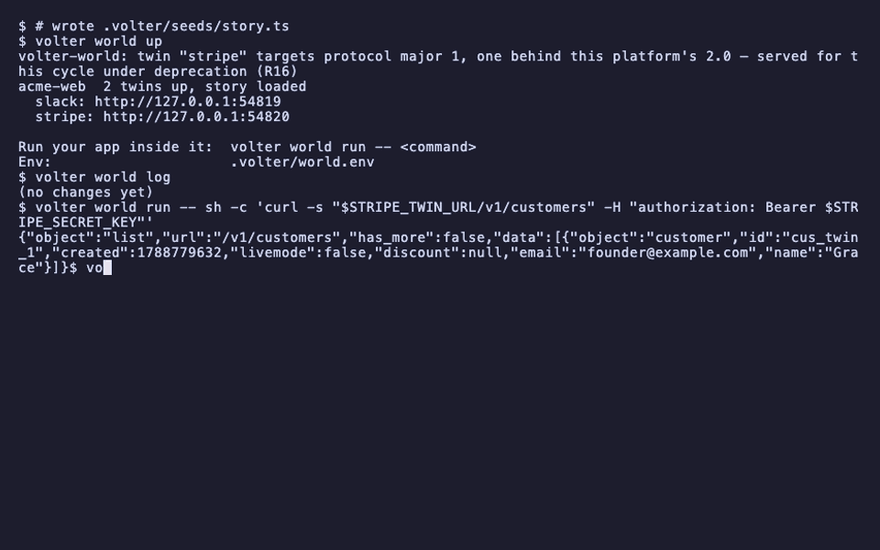
And Grace is there, the way the vendor's API would show her (the world's env is set inside run,
so a shell command that reads it is quoted for that shell):
volter world run -- sh -c 'curl -s "$STRIPE_TWIN_URL/v1/customers" -H "authorization: Bearer $STRIPE_SECRET_KEY"'
"email":"founder@example.com"
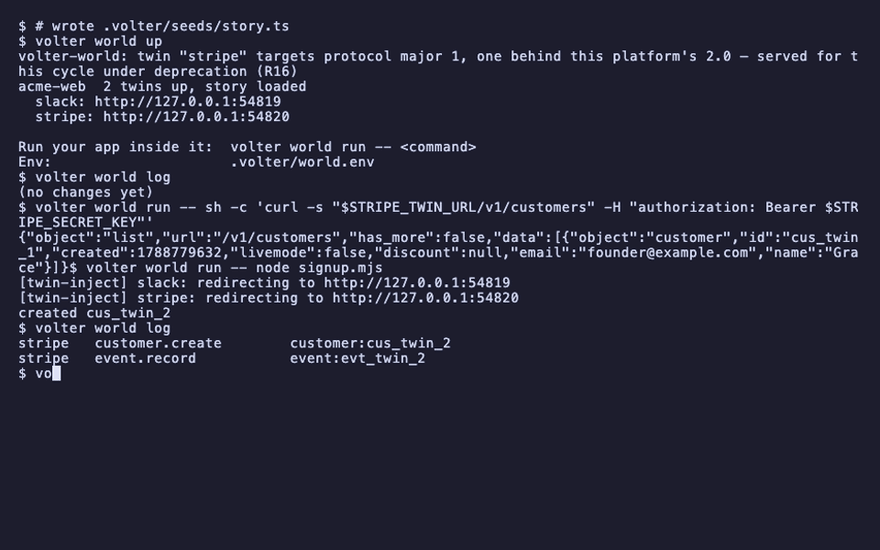
The app writes on top of it
volter world run -- node signup.mjs
created cus_twin_2
volter world log
stripe customer.create customer:cus_twin_2
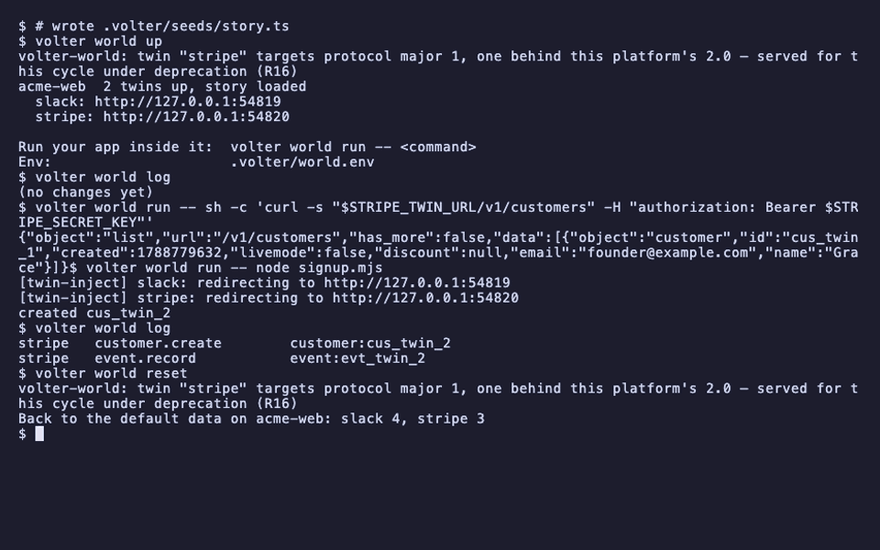
Back to the defaults
volter world reset
Back to the default data on acme-web
reset forgets the branch's state, brings it up again, and loads the default data. Everything
your app did on the branch is gone; the story is back exactly as the seed makes it:
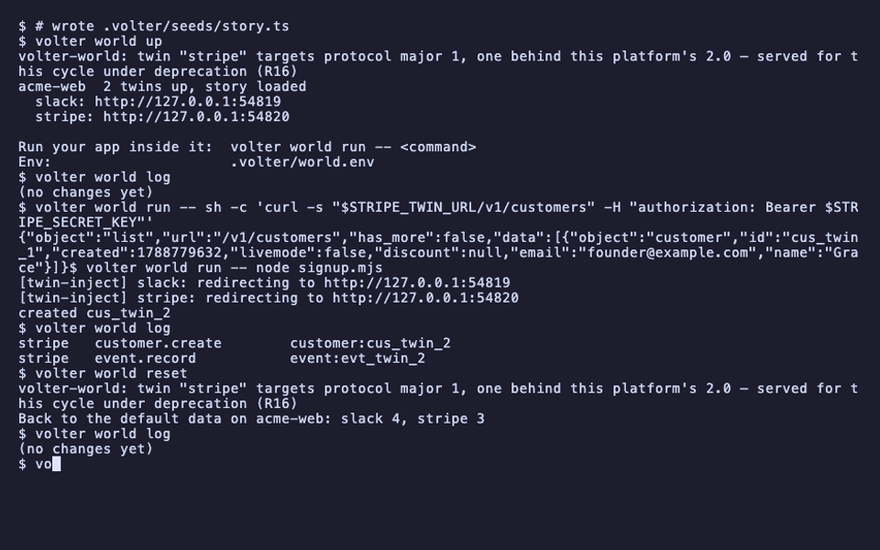
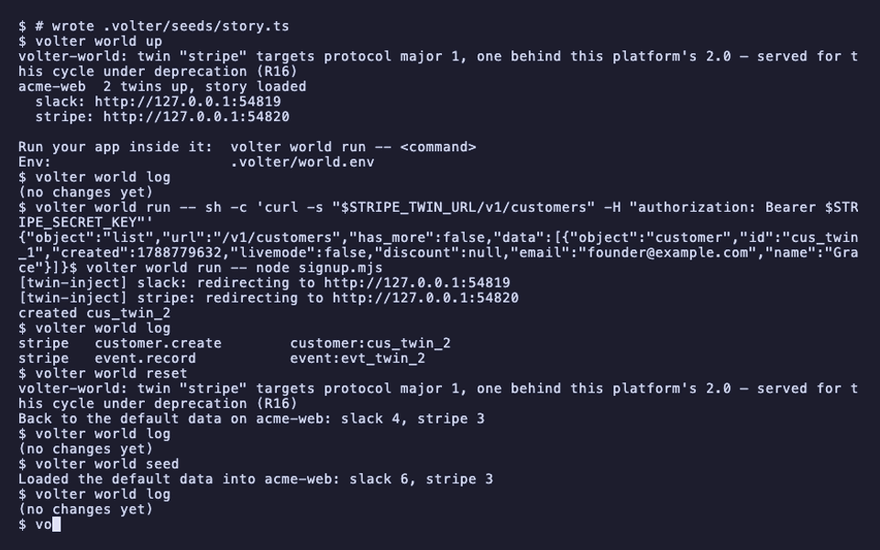
volter world log
(no changes yet)
volter world branch keep-this creates and checks out a child that references the current
branch’s history; it does not make an independent backup. Reset applies to the checked-out
branch. Reset refuses when dependent branches still reference the parent. Stop compute with down,
or remove the dependent branches first; see branch lifetime.
Seed again
volter world seed loads the default data on a branch that is already up. It adds nothing
pending, because seed writes become inherited default data, and a story that looks before it creates adds
nothing at all:
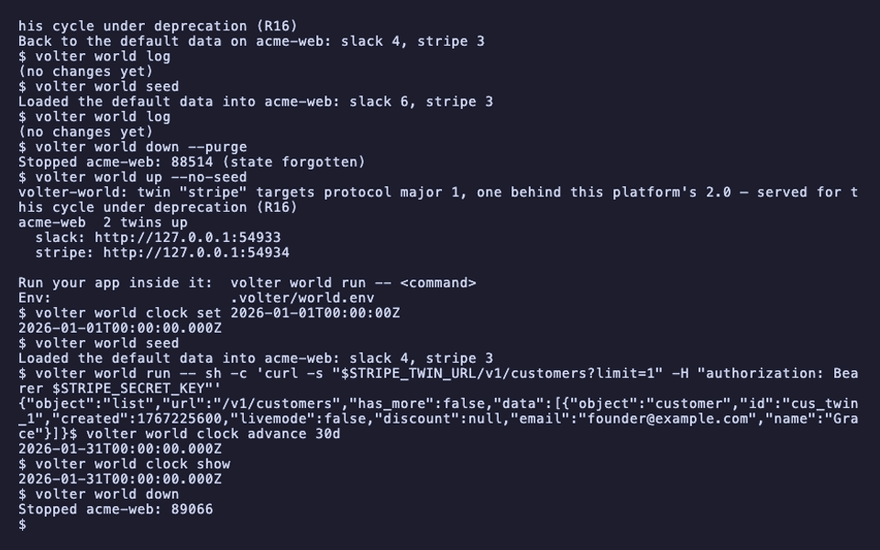
volter world seed
Loaded the default data into acme-web
volter world log
(no changes yet)
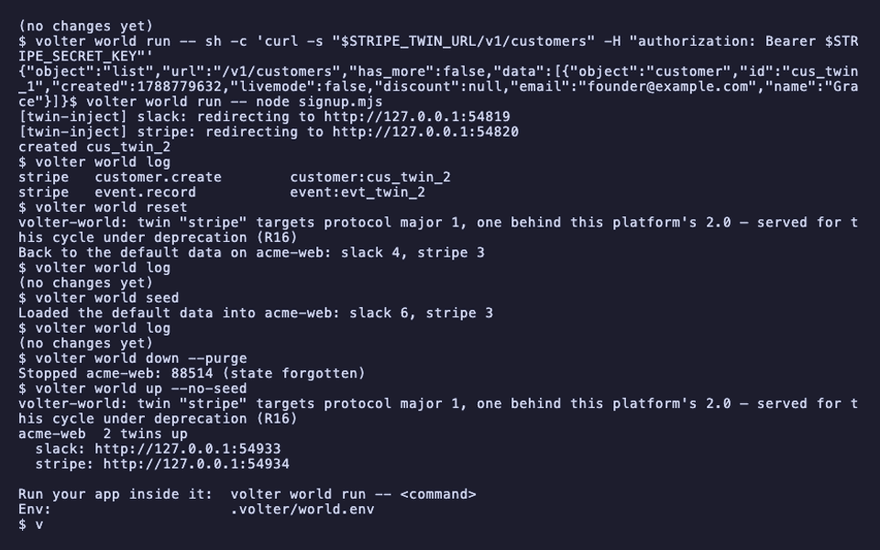
volter world up --no-seed starts a branch empty.
History that needs time
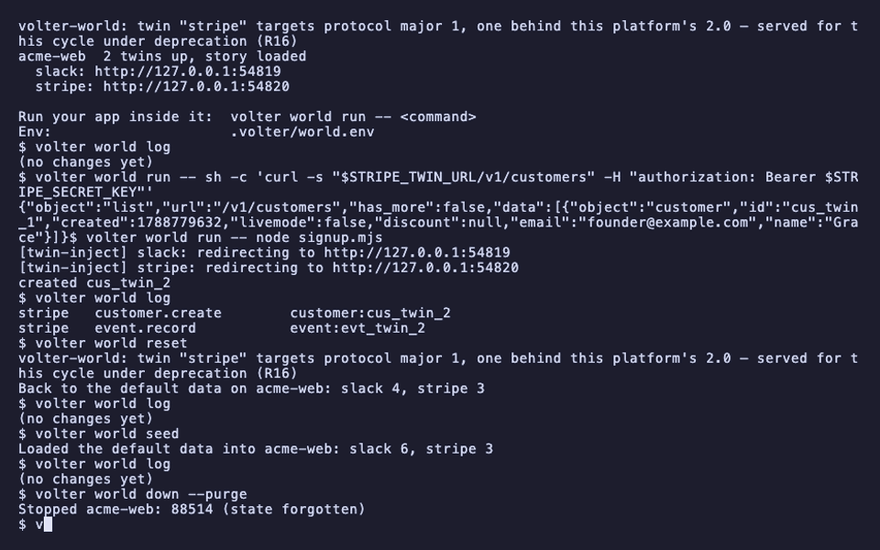
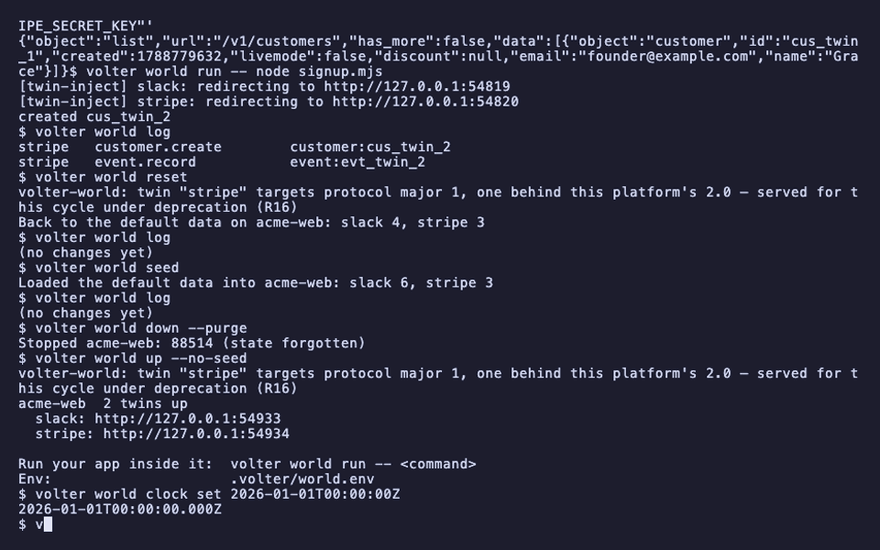
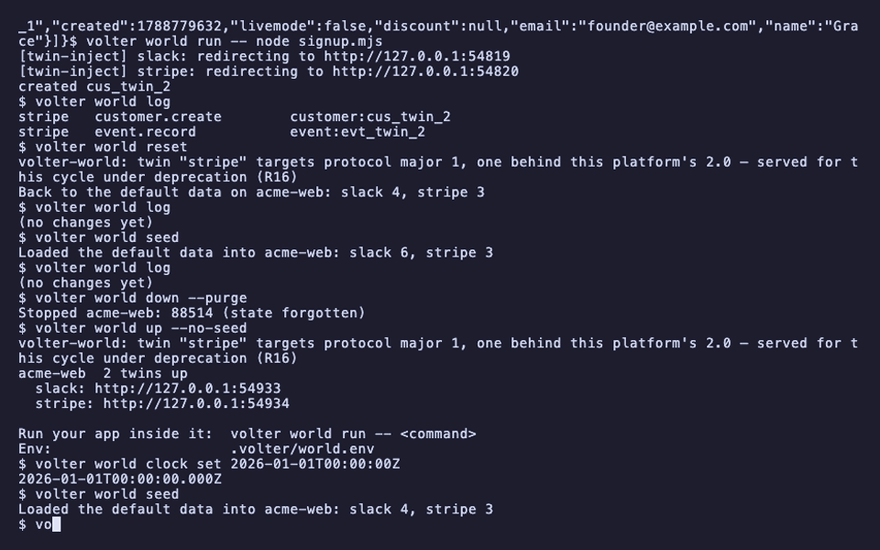
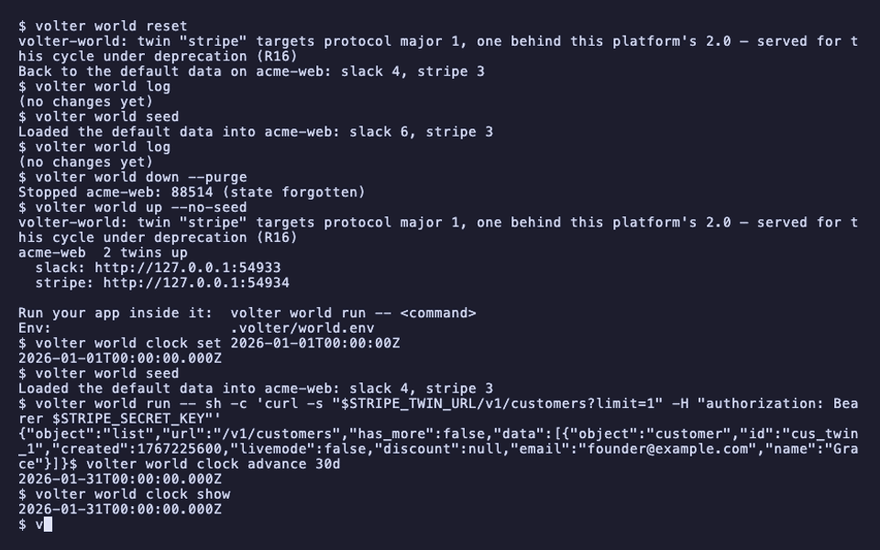
A seed that wants a subscription to be thirty days old sets the world's clock before it creates the subscription. Time inside a world is set, not observed, and the clock lives with the branch's running state, so set it on a branch that is up and empty, then seed:
volter world down --purge
volter world up --no-seed
volter world clock set 2026-01-01T00:00:00Z
volter world seed
volter world run -- sh -c 'curl -s "$STRIPE_TWIN_URL/v1/customers?limit=1" -H "authorization: Bearer $STRIPE_SECRET_KEY"'
"created":1767225600
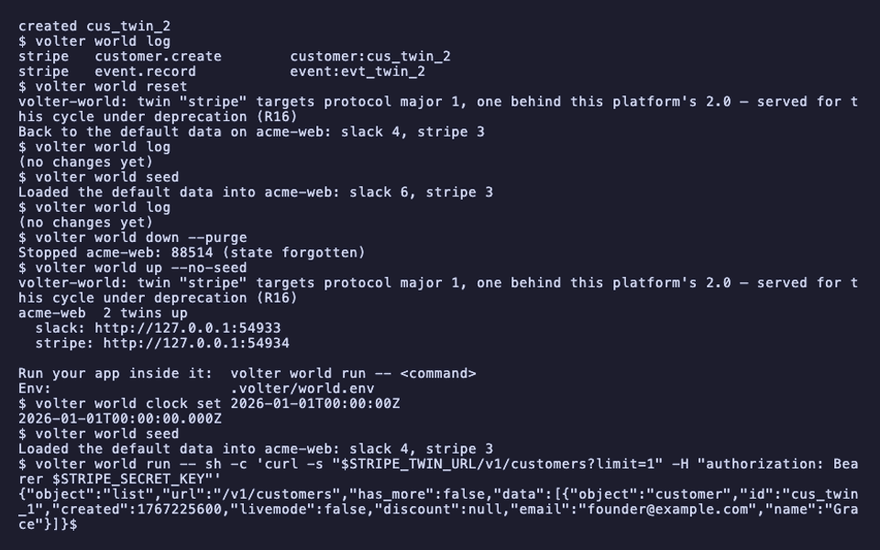
Every twin stamps records from that clock, so the same seed produces the same timestamps on every
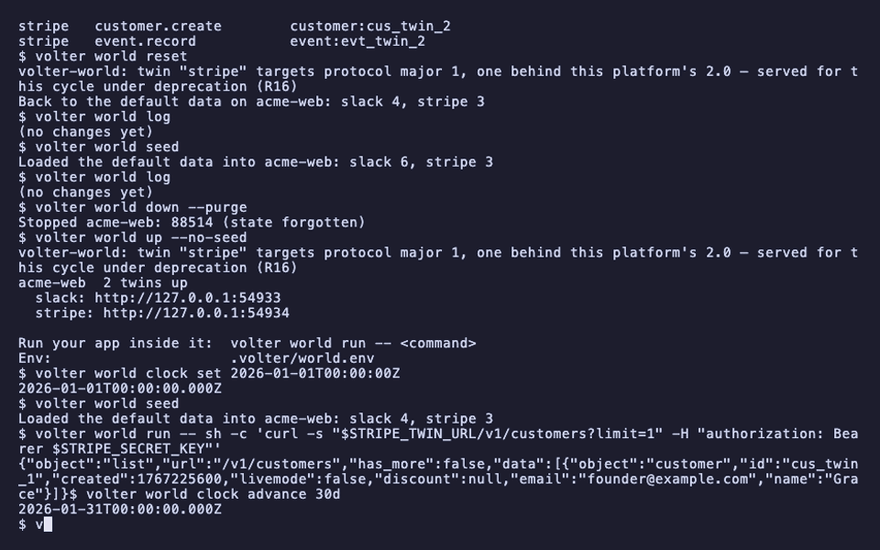
machine and every run. advance moves it:
volter world clock advance 30d
volter world clock show
2026-01-31T00:00:00.000Z
volter world down
Playback
Each command above, as the recording shows it.
npm install
npm install -g @volter/world
npm install -D @volter/twin-stripe @volter/twin-slack
volter world init
ls .volter/seed.ts .volter/seeds/defaults .volter/seeds/story.ts

volter world up
volter world log
volter world run -- sh -c 'curl -s "$STRIPE_TWIN_URL/v1/customers" -H "authorization: Bearer $STRIPE_SECRET_KEY"'
volter world run -- node signup.mjs
volter world log
volter world reset
volter world log
volter world seed
volter world log
volter world down --purge
volter world up --no-seed
volter world clock set 2026-01-01T00:00:00Z
volter world seed
volter world run -- sh -c 'curl -s "$STRIPE_TWIN_URL/v1/customers?limit=1" -H "authorization: Bearer $STRIPE_SECRET_KEY"'
volter world clock advance 30d
volter world clock show
volter world down