Run your test suite
Point your tests at the twins, and read the log when one fails.
This page is executed as written by packages/cli/src/journeys/tutorials.test.ts; the recording
is made from the same run.

The app
An app that talks to Stripe, with one test. The test constructs its Stripe client exactly as production code does.
{ "name": "acme-web", "private": true, "dependencies": { "stripe": "^17" } }
STRIPE_SECRET_KEY=
import '@volter/world-core/attach';
import { test, expect } from 'bun:test';
import Stripe from 'stripe';

test('signup creates a customer', async () => {
  const stripe = new Stripe(process.env.STRIPE_SECRET_KEY!);
  const customer = await stripe.customers.create({ email: 'ada@example.com', name: 'Ada' });
  expect(customer.id).toMatch(/^cus_/);
});
The first line is the one thing a Bun test file adds: Bun ignores NODE_OPTIONS, so the
injector is armed by that import instead. It does nothing outside a world. A Node runner needs
no line at all.
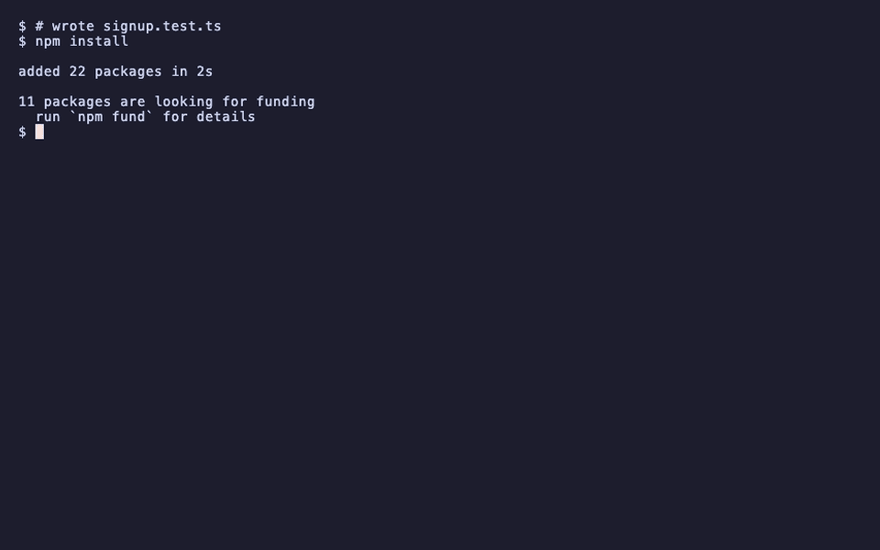
npm install
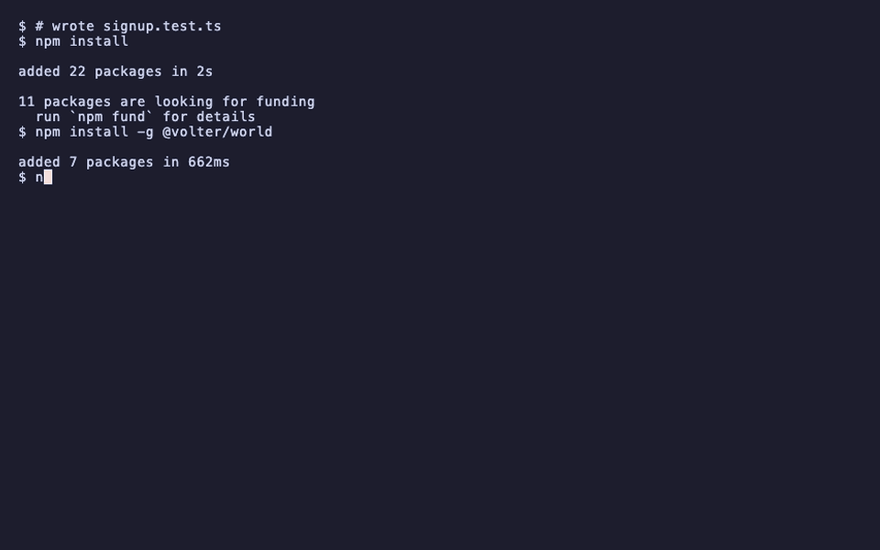
npm install -g @volter/world
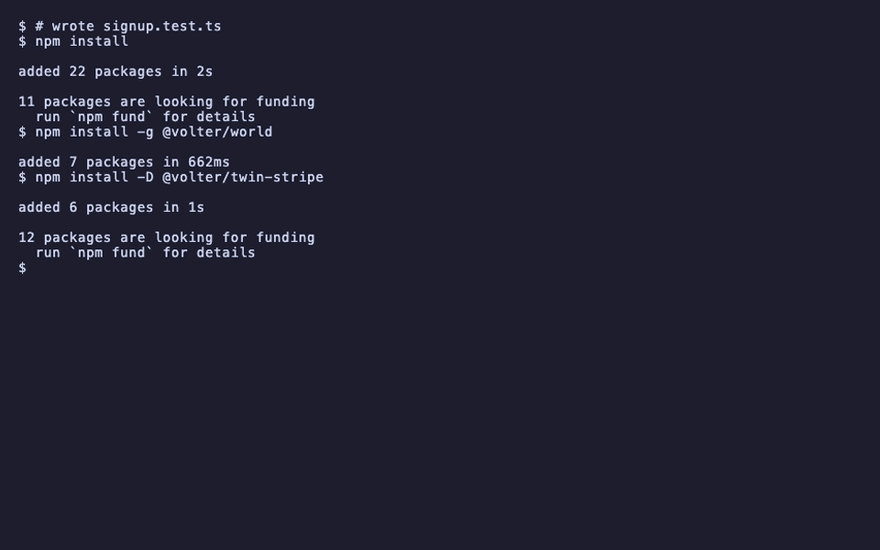
npm install -D @volter/twin-stripe
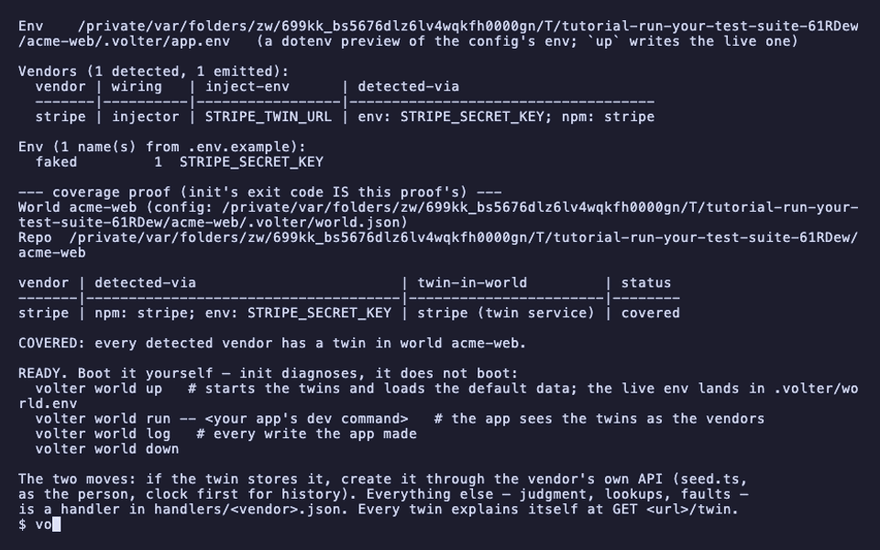
volter world init
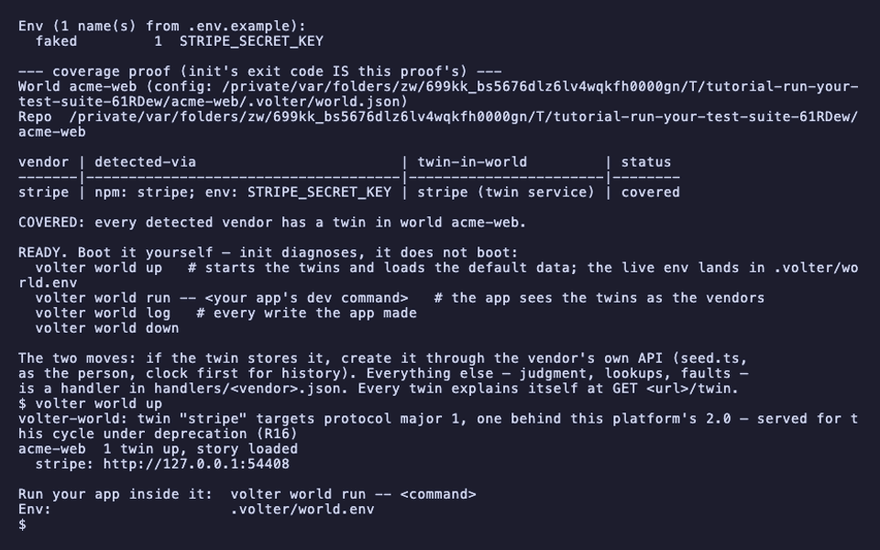
volter world up
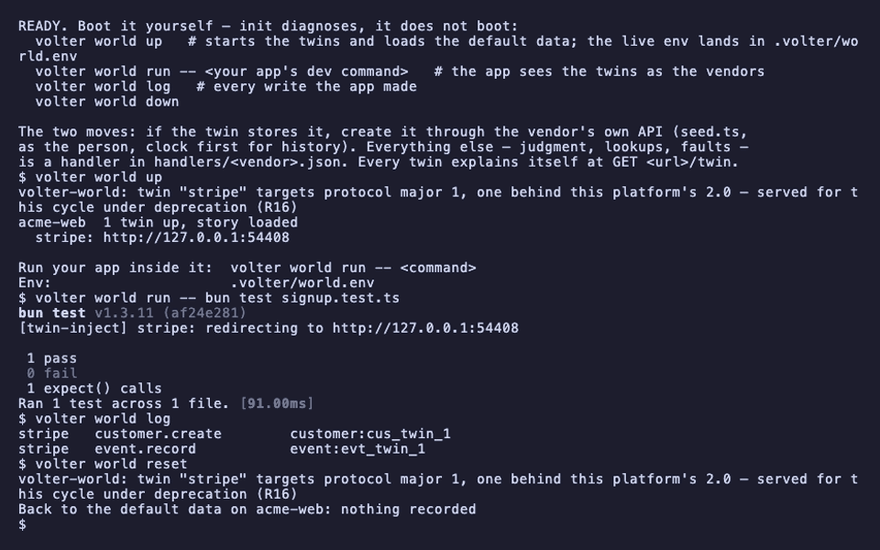
Run the suite inside the world
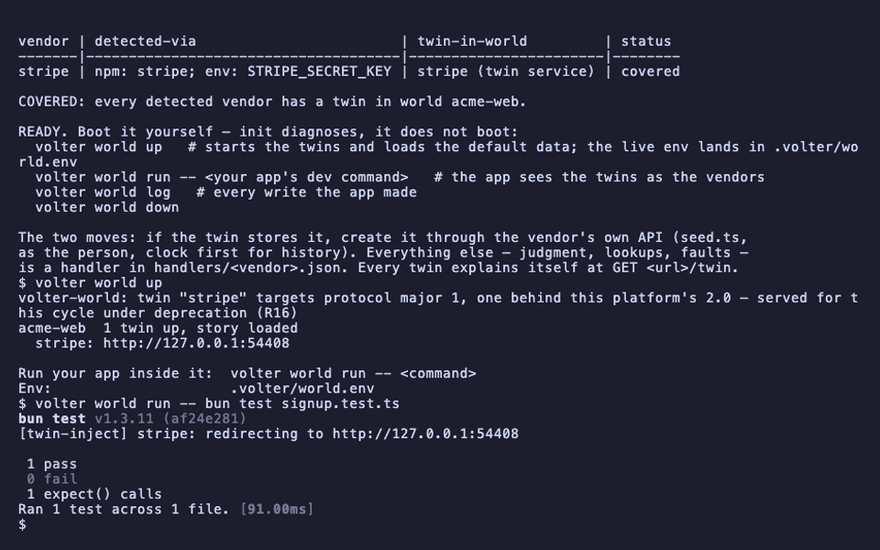
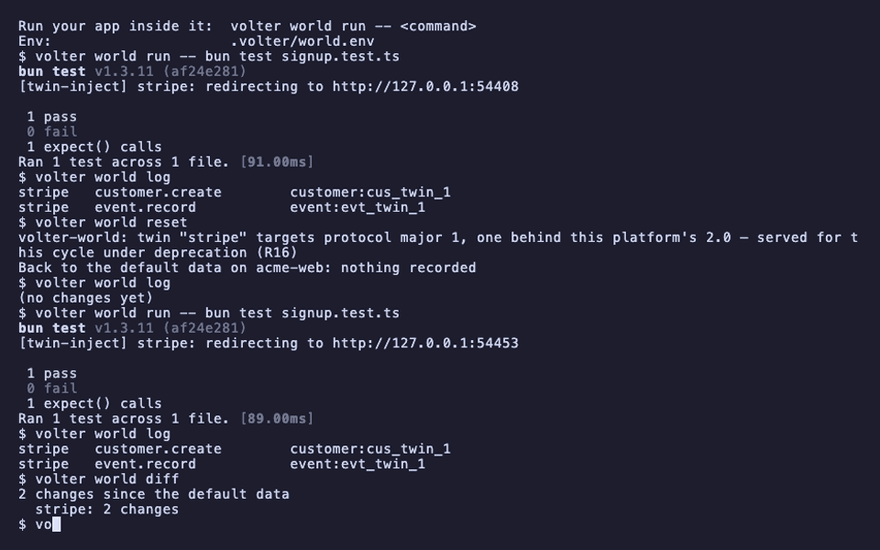
volter world run -- bun test signup.test.ts
1 pass
run starts the command with the world's env: each twin's URL, the fake credentials, and the
preload that redirects the vendor SDKs. Your tests construct their clients exactly as production
code does; the calls land in the twins. Any runner works: vitest, jest, bun test,
pytest, playwright test.
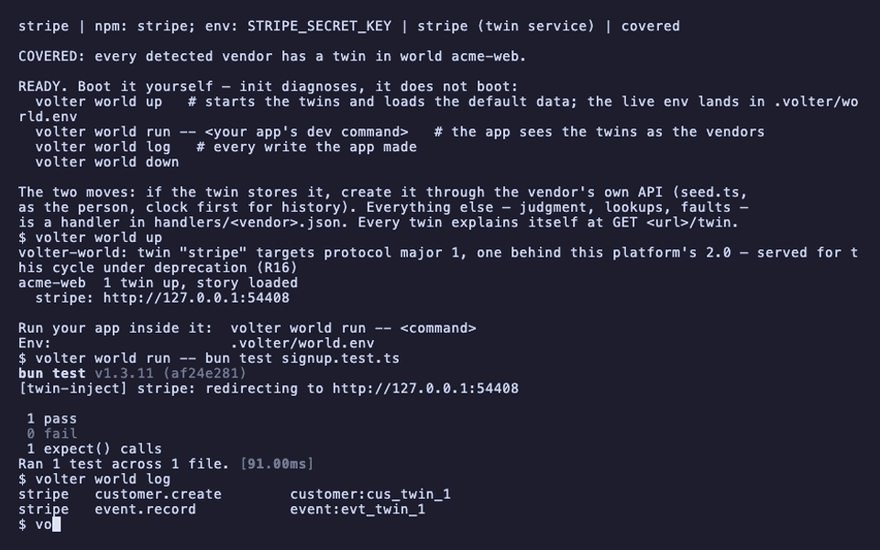
The suite's writes are in the log, like any write:
volter world log
stripe customer.create customer:cus_twin_1
Each test starts from known data
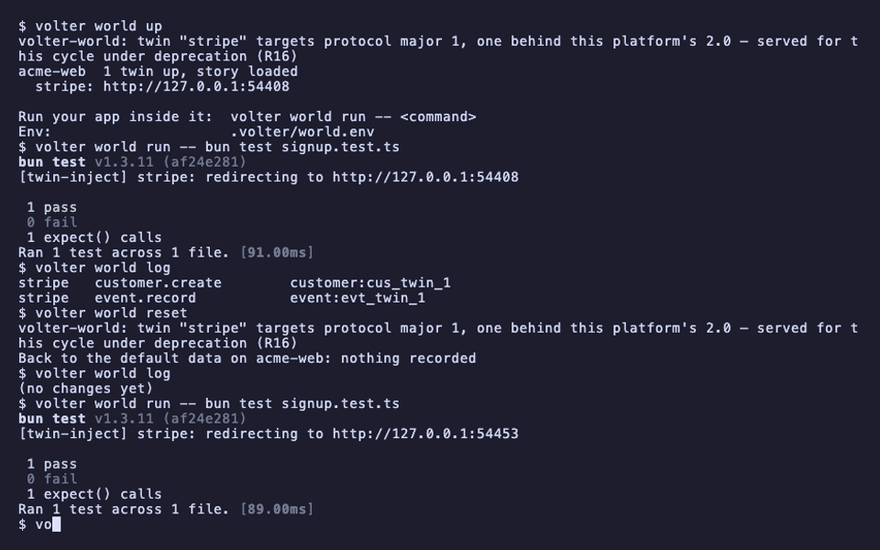
The world stays up between runs, and its state accumulates. Two habits make a suite against twins deterministic:
- Start from the default data.
volter world resetbefore the suite, or in a global setup hook through the SDK:World.open().reset(). - Create what a test needs through the vendor's API, in the test's own setup, the way the
seed does. Reads reflect writes, so a customer created in
beforeEachis there for the test and can be deleted inafterEach.
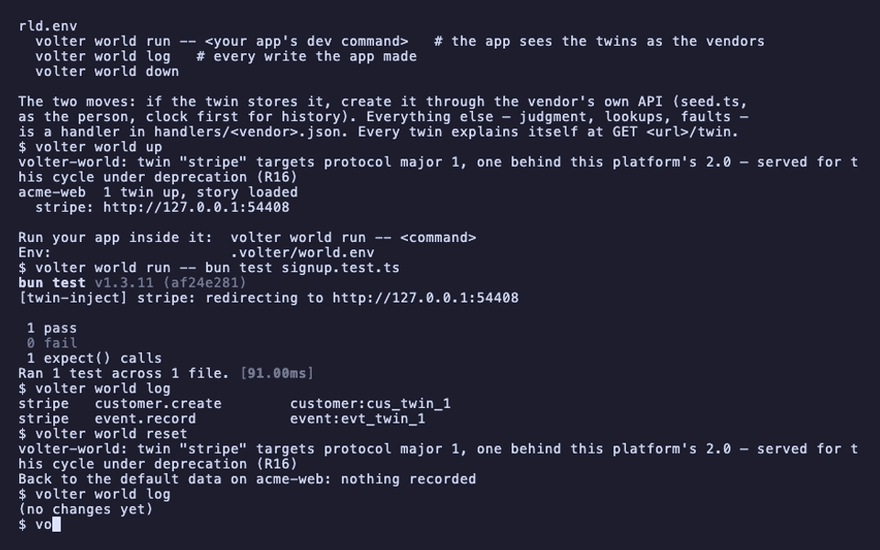
volter world reset
volter world log
(no changes yet)
A test that needs a call to fail, or a record the API cannot create, uses a handler; see shape the world for a test.
When a test fails
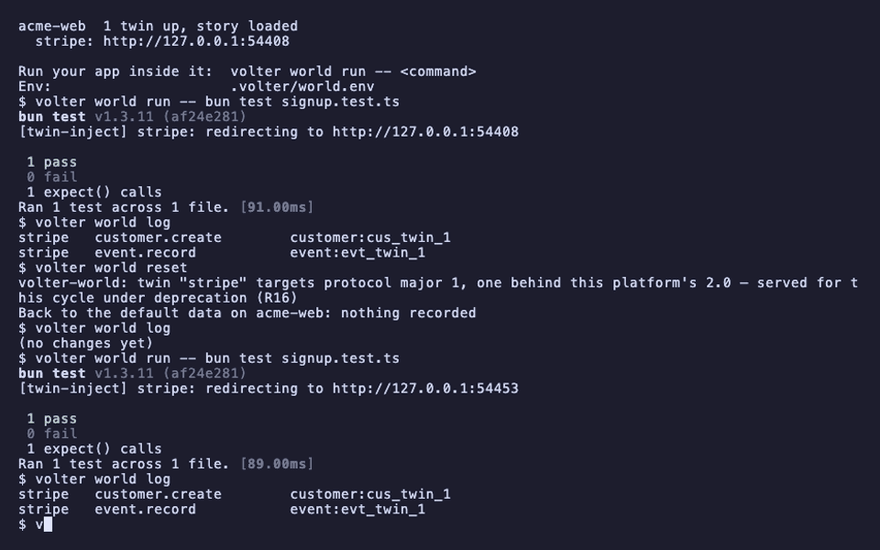
volter world log is the first thing to read. It lists every write the app made, across every
twin, in the order they happened. A missing line is a call that never happened. A line with the
wrong subject is a call with the wrong argument.
volter world run -- bun test signup.test.ts
volter world log
stripe customer.create customer:cus_twin_1
stripe event.record event:evt_twin_1
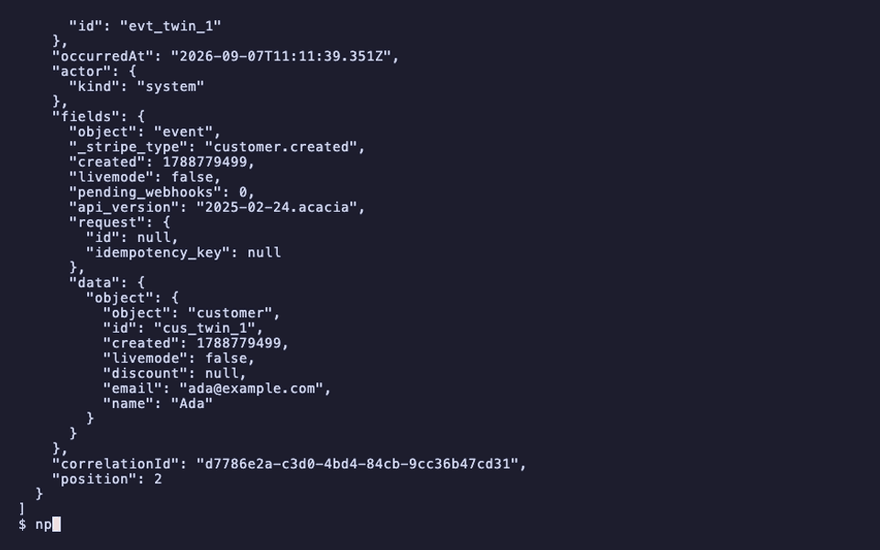
volter world diff shows the same changes grouped by vendor; --json gives each change in
full, its fields included, for a script or an assertion:
volter world diff
2 changes since the default data
  stripe: 2 changes
volter world log --json
"email": "ada@example.com"
A twin refuses an operation it does not model with the vendor's own error. If the failing call is one your app makes in production, check the twin's coverage in the index and its README before assuming the app is wrong.
Assert on state through the SDK
A test can read the world the way volter world log does, without parsing output. The SDK is
the same package as the command; a test that imports it needs it in the app:
npm install -D @volter/world
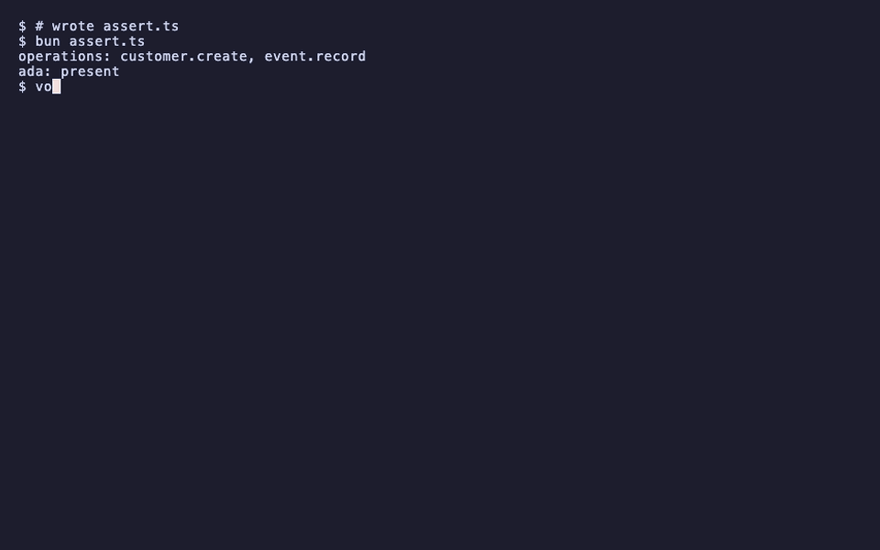
This script opens the world of the current directory and reads the stripe twin's log and its state:
import { World } from '@volter/world';

const world = World.open();
const writes = world.repo('stripe').log();
console.log(`operations: ${writes.map((w) => w.operation).join(', ')}`);
const ada = world.repo('stripe').state().find((r) => (r as { email?: string }).email === 'ada@example.com');
console.log(`ada: ${ada ? 'present' : 'absent'}`);
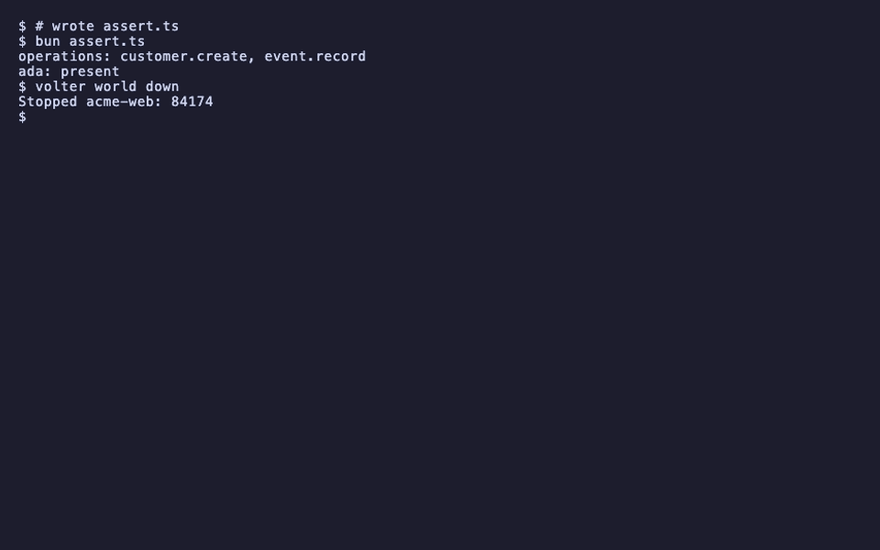
bun assert.ts
operations: customer.create, event.record
ada: present
volter world down
Playback
Each command above, as the recording shows it.
npm install
npm install -g @volter/world
npm install -D @volter/twin-stripe
volter world init
volter world up
volter world run -- bun test signup.test.ts
volter world log
volter world reset
volter world log
volter world run -- bun test signup.test.ts
volter world log
volter world diff
volter world log --json
npm install -D @volter/world

bun assert.ts
volter world down