Branch a world
A variant for a feature, a teammate, a CI shard.
This page is executed as written by packages/cli/src/journeys/tutorials.test.ts; the recording
is made from the same run.

The app
{ "name": "acme-web", "private": true, "dependencies": { "stripe": "^17" } }
STRIPE_SECRET_KEY=
import Stripe from 'stripe';

const stripe = new Stripe(process.env.STRIPE_SECRET_KEY);
const customer = await stripe.customers.create({ email: 'ada@example.com', name: 'Ada' });
console.log(`created ${customer.id}`);
npm install
npm install -g @volter/world
npm install -D @volter/twin-stripe
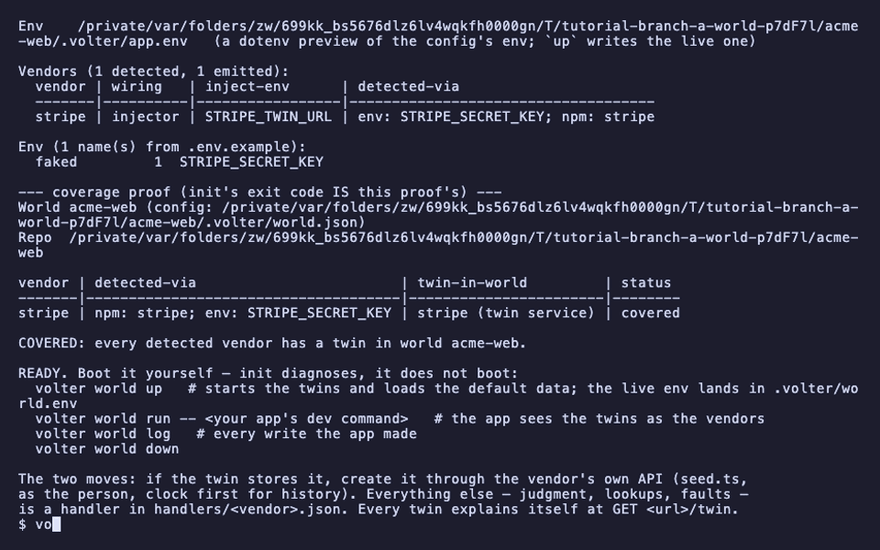
volter world init
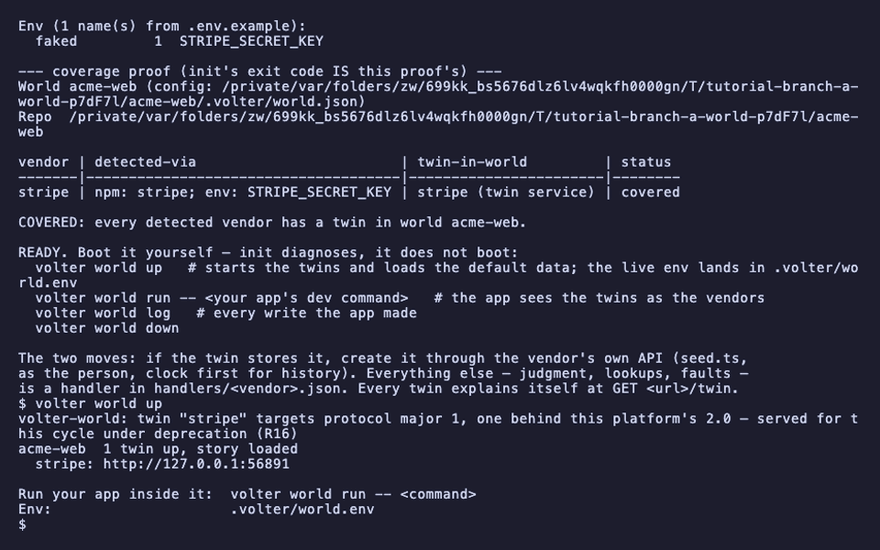
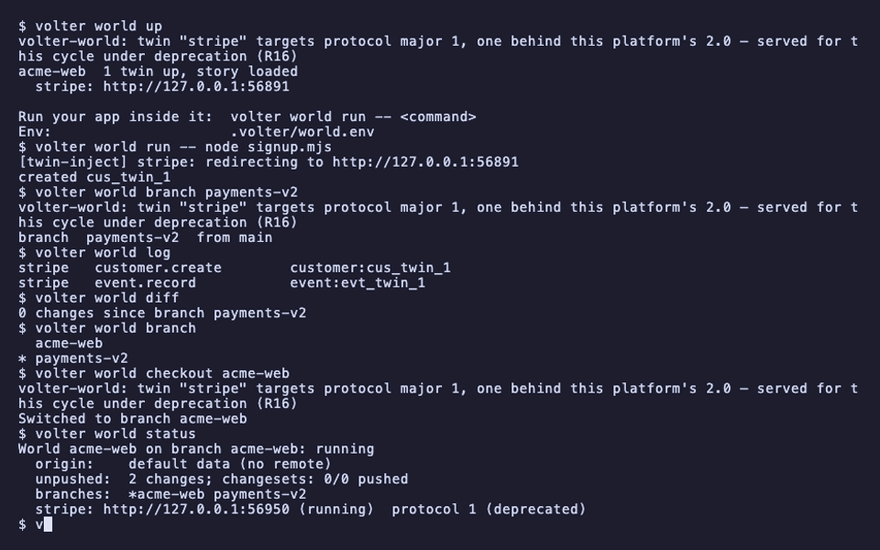
volter world up
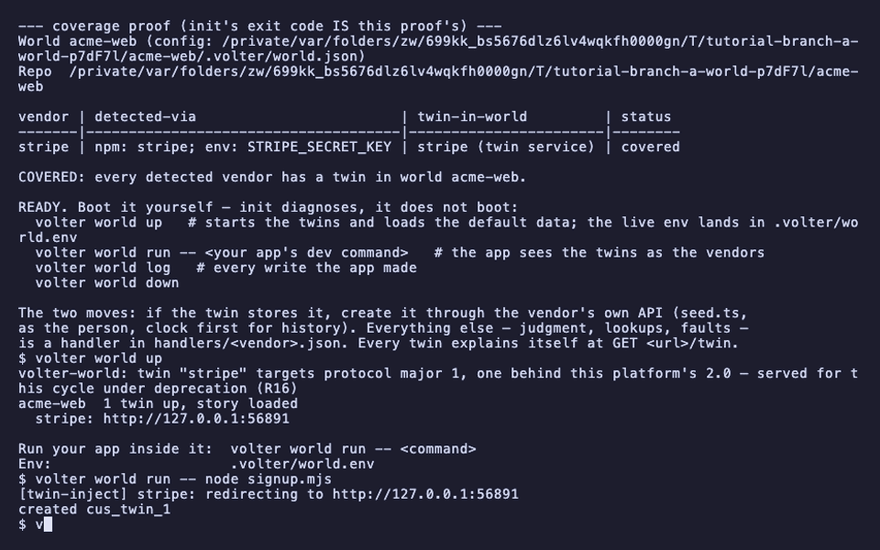
volter world run -- node signup.mjs
created cus_twin_1
Make one
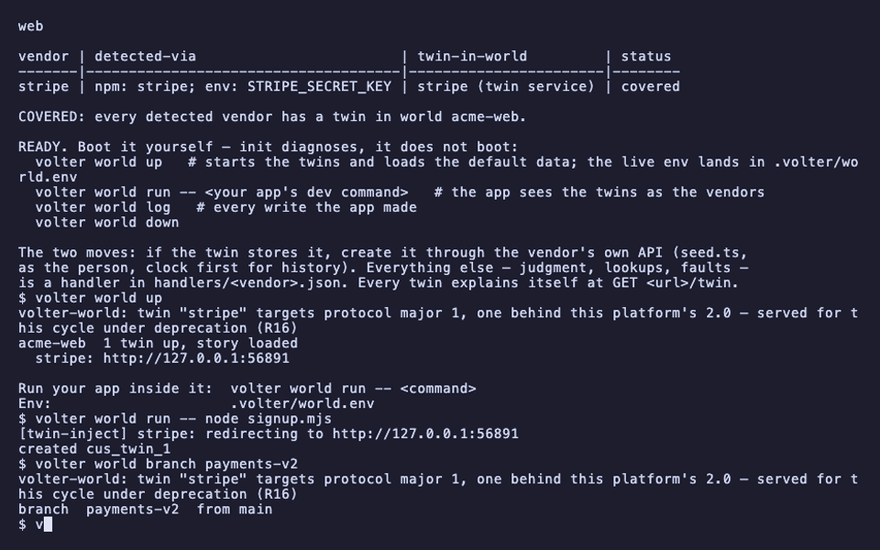
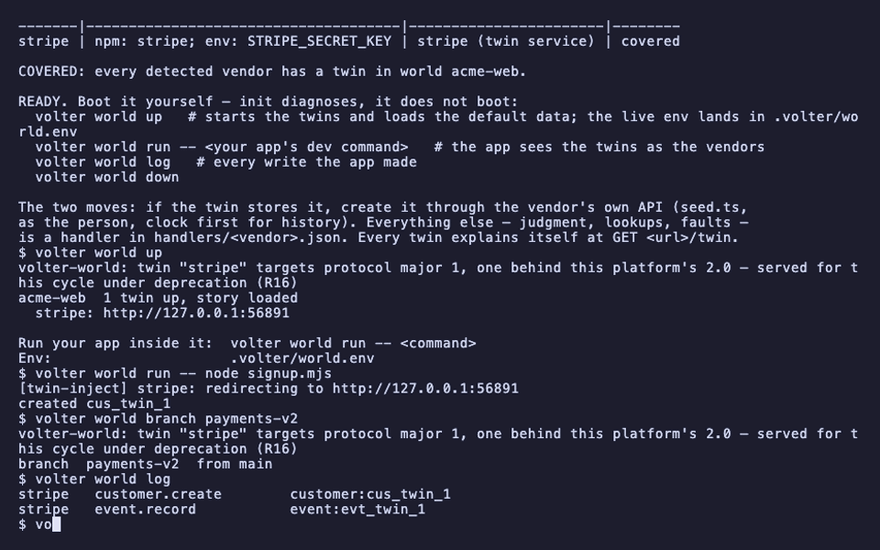
volter world branch payments-v2
branch payments-v2 from main
The new branch starts exactly where the one you were on stands: the same history, the customer included. It is a pointer into that history, not a copy, and it records its own changes from here, so what your app does on it stays on it. The new branch is checked out and running; the old one stopped.
volter world log
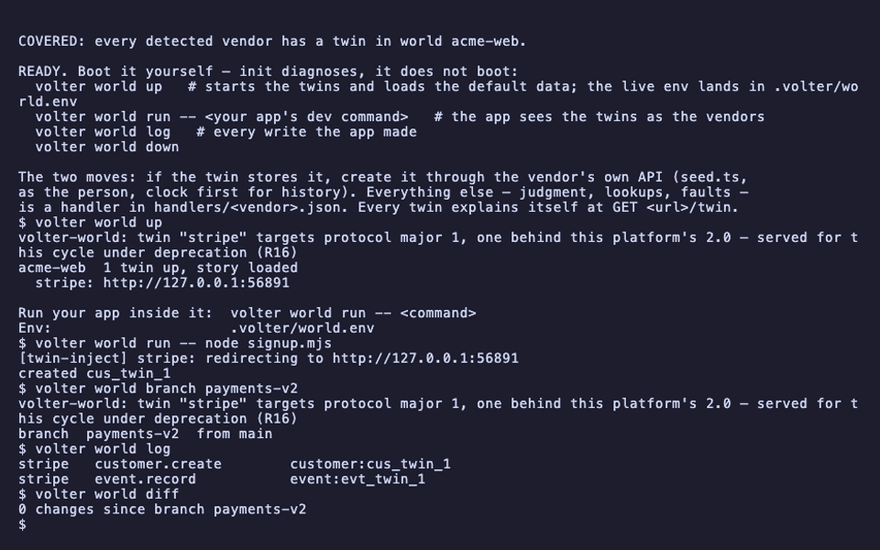
volter world diff
stripe   customer.create   customer:cus_twin_1
stripe   event.record     event:evt_twin_1
0 changes since branch payments-v2
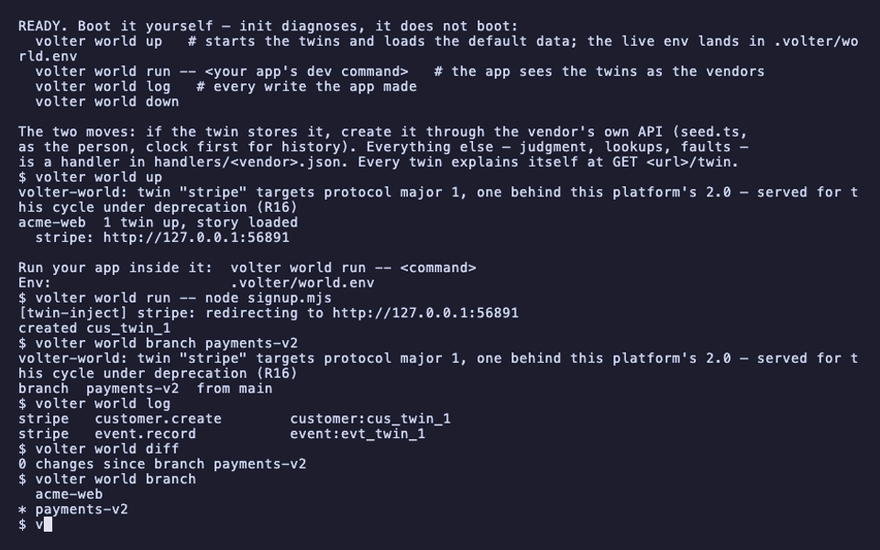
volter world branch with no name lists the branches and marks the current one:
volter world branch
  acme-web
* payments-v2
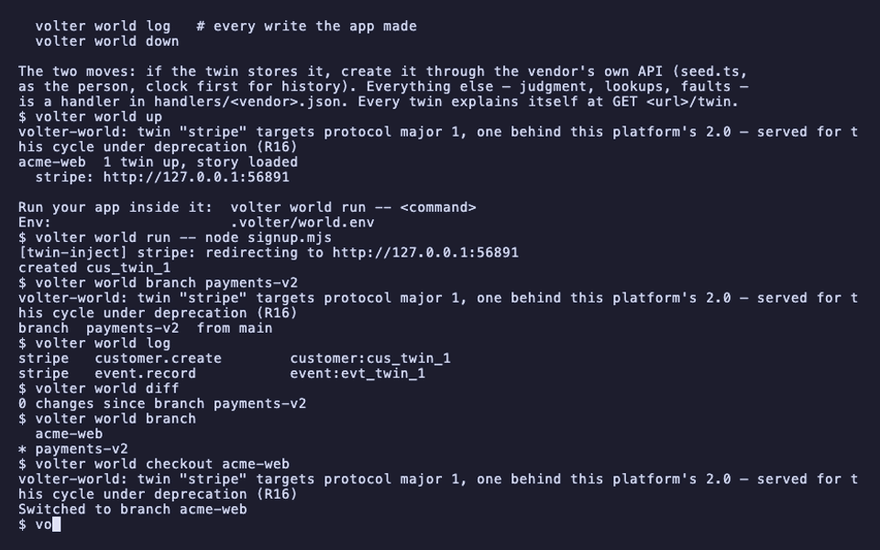
Switch
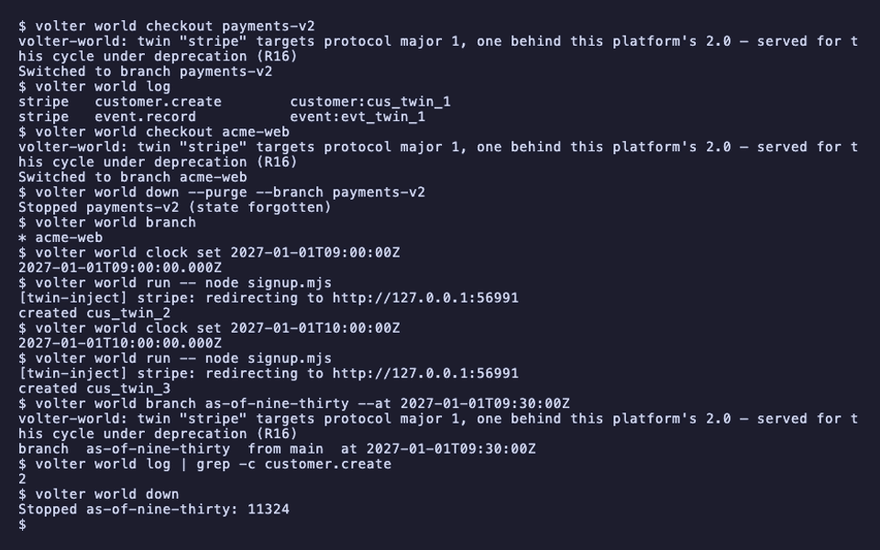
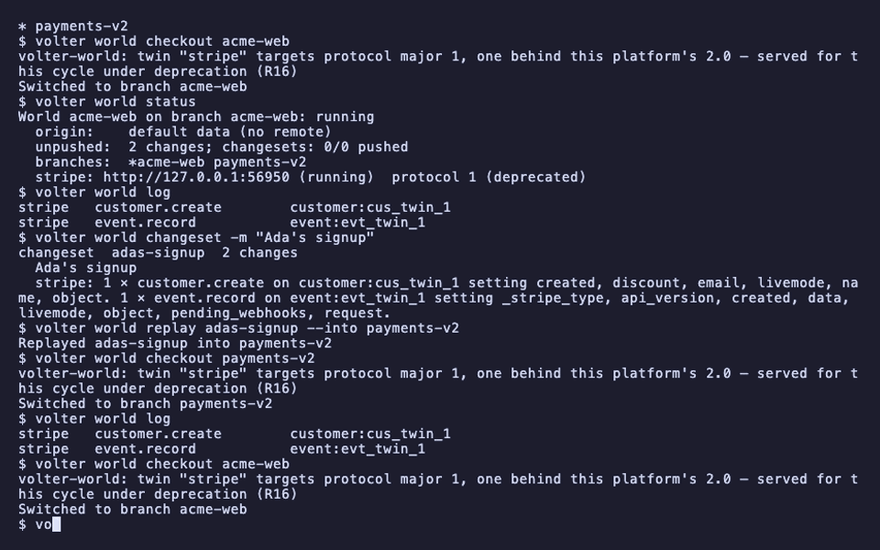
volter world checkout acme-web
Switched to branch acme-web
checkout stops the branch you are on and resumes the one you name, with its state intact. One
branch runs at a time in a world, because your app's env names one set of twins.
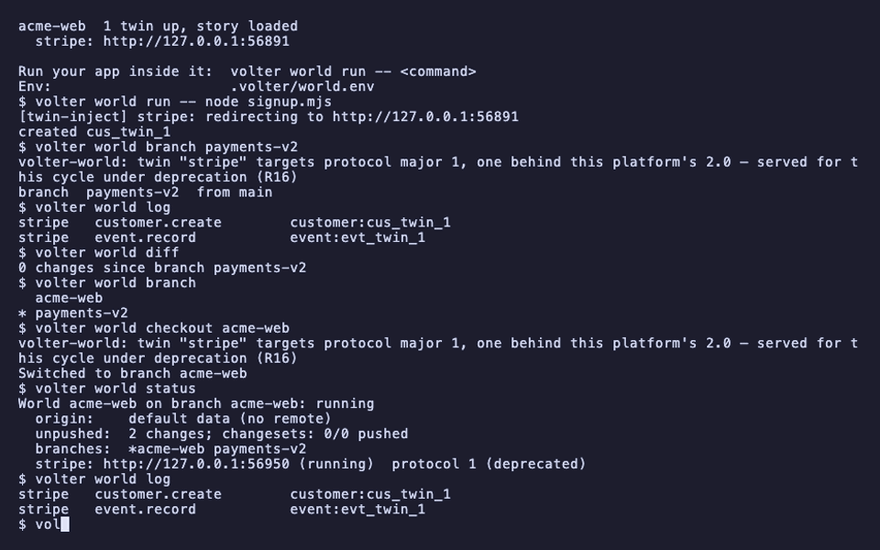
volter world status
World acme-web on branch acme-web: running
  branches:  *acme-web payments-v2
volter world log
stripe customer.create customer:cus_twin_1
What a branch is for
- A feature. Develop against a branch, break its data freely,
volter world resetit or delete it when the feature ships. The main branch keeps the state you rely on. - A test suite. Give a suite that needs specific data its own branch and never reset the branch you develop on.
- A CI shard. Each shard is its own checkout, so each shard's branch is its own world; see use in CI.
- A teammate. Two people cloning the same remote each get their own local branches over the same history; nothing is shared until one of them pushes.
Carry changes across
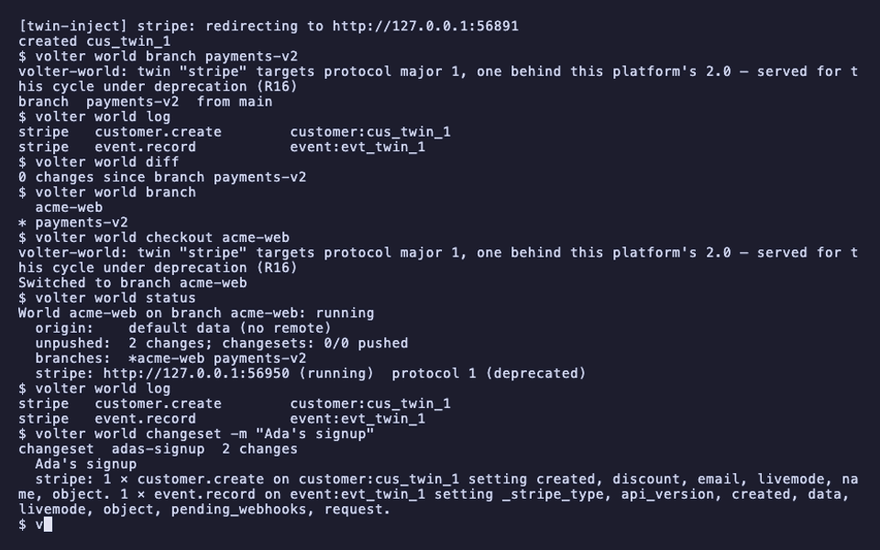
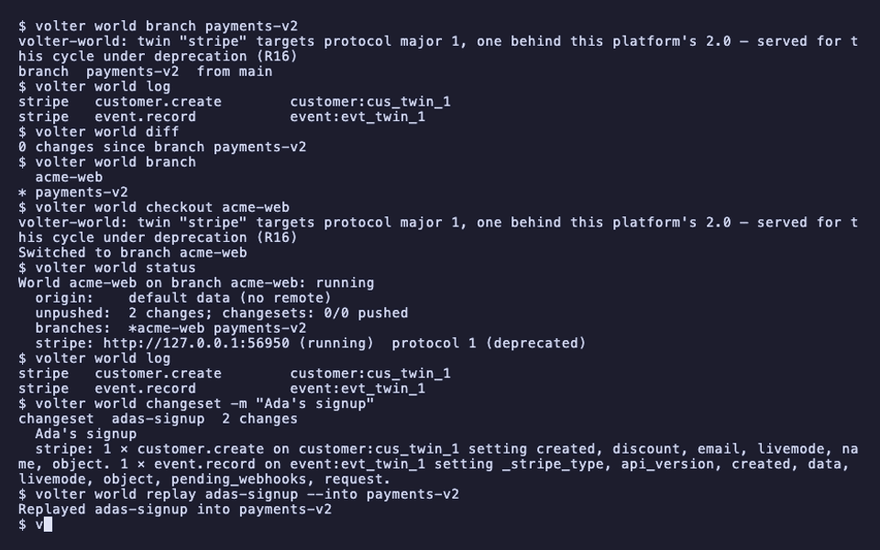
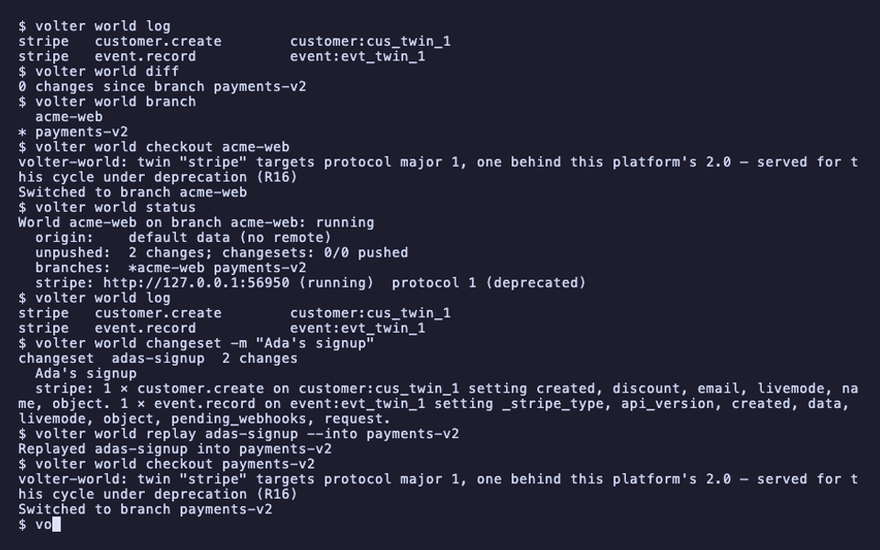
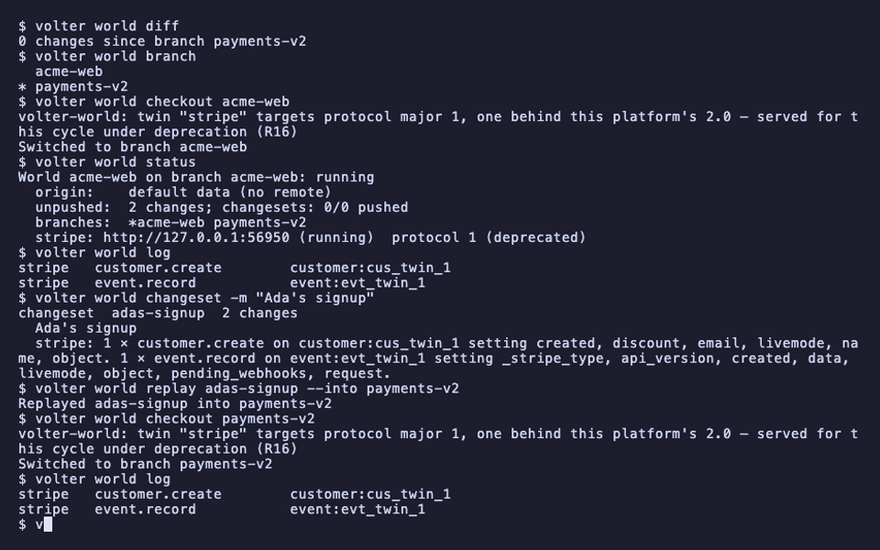
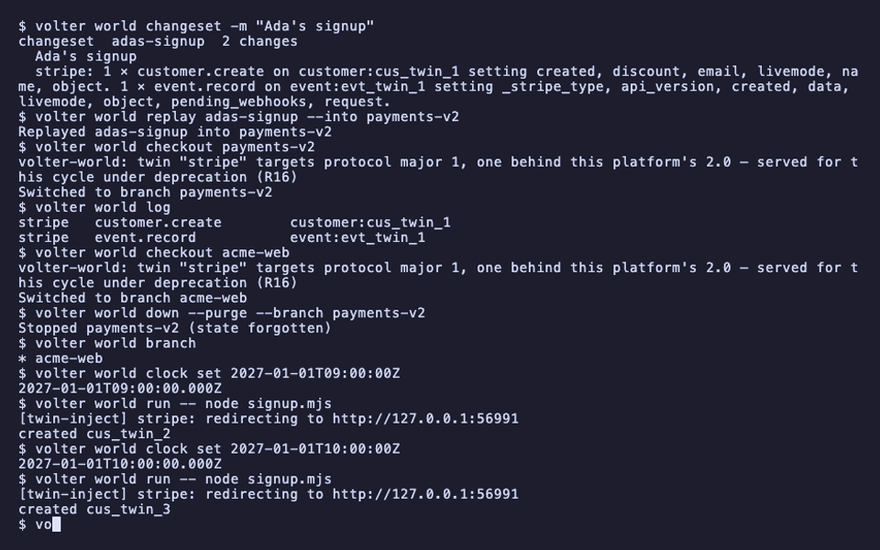
Changes made on one branch do not appear on another. To move them, cut a changeset on the source branch and replay it into the target:
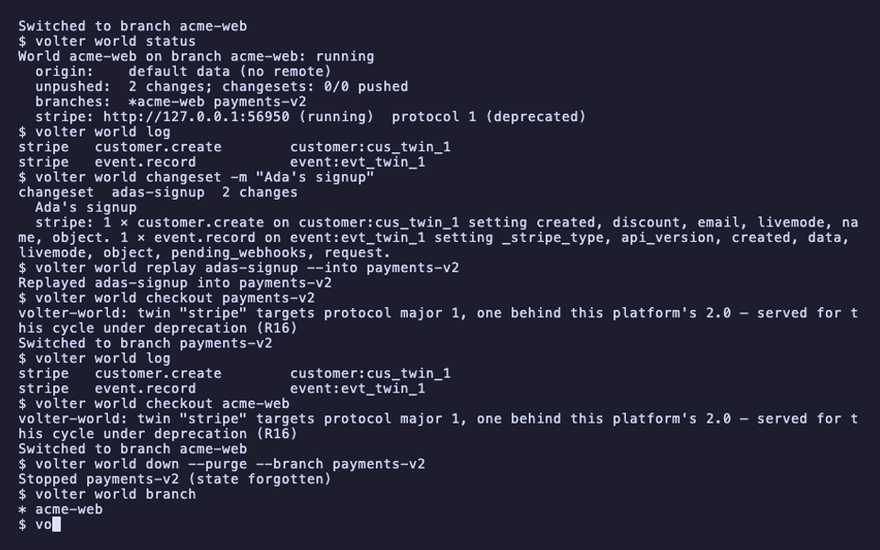
volter world changeset -m "Ada's signup"
changeset adas-signup 2 changes
volter world replay adas-signup --into payments-v2
volter world checkout payments-v2
volter world log
stripe customer.create customer:cus_twin_1
Replay feeds the recorded writes back through the target's twins, in order, with the same ids, so replaying twice is a no-op.
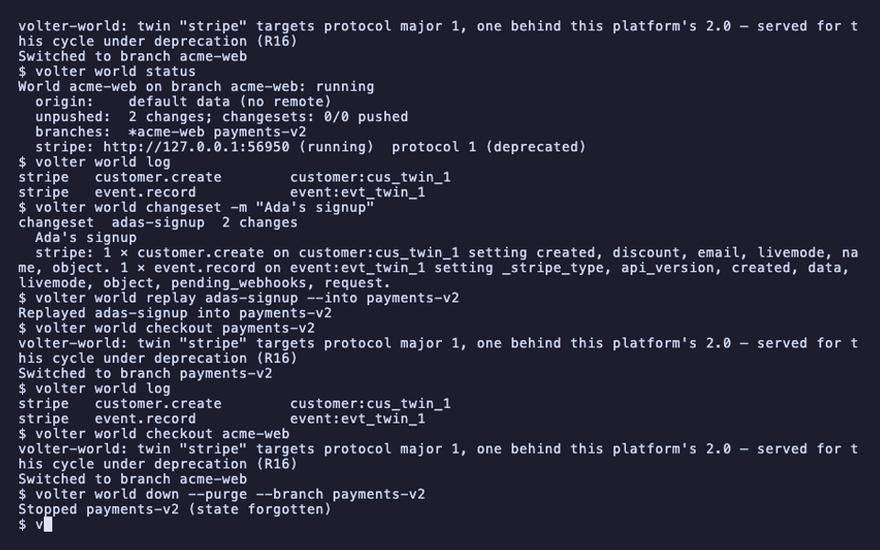
Delete one
--branch acts on a branch other than the checked-out one; --purge deletes its data. The
branch's name is free again.
volter world checkout acme-web
volter world down --purge --branch payments-v2
Stopped payments-v2 (state forgotten)
volter world branch
* acme-web
Branch as it was
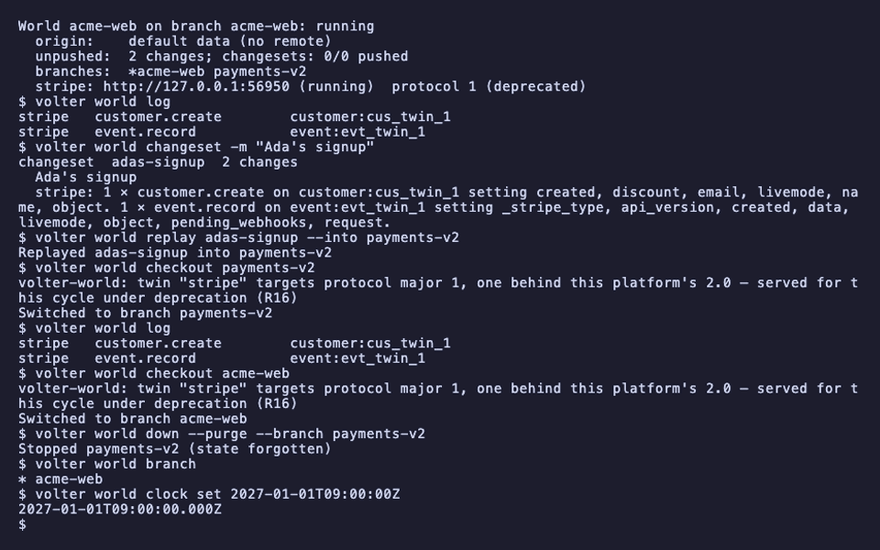
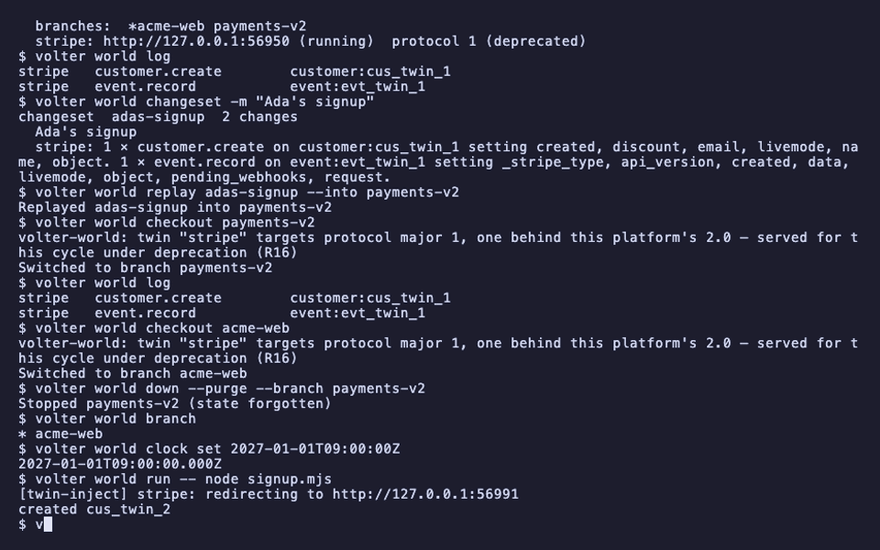
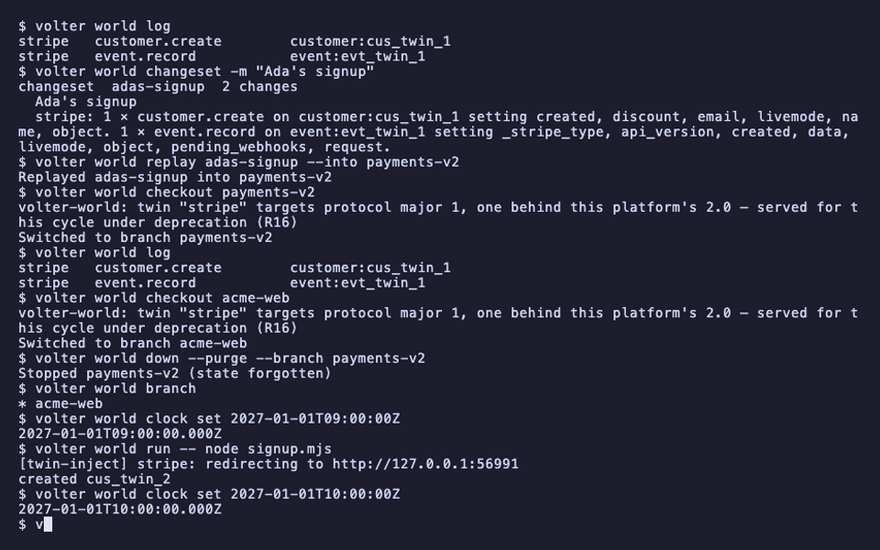
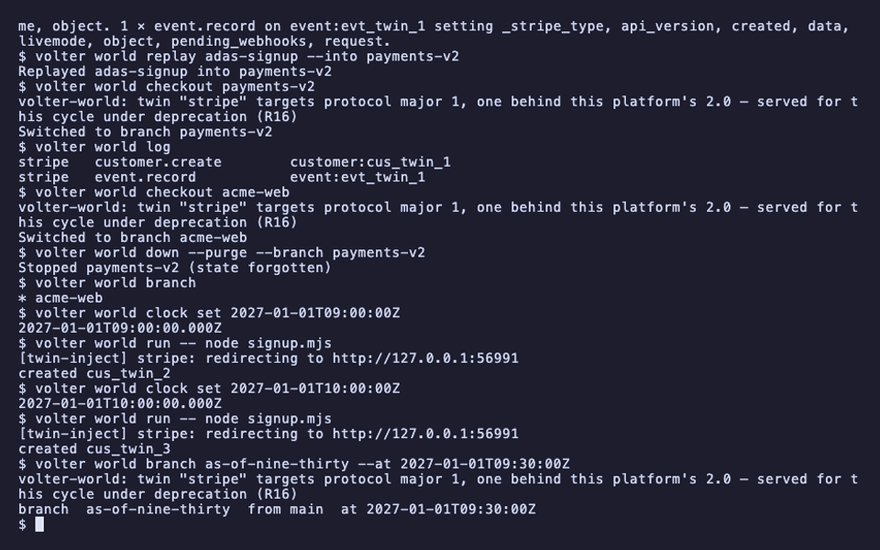
A branch can start from any point in the history, not only the head: an instant, or a position per twin. The branch references that position in its parent’s history. Keep the parent available while the branch depends on it. Pin the clock so the instants are known, make two more customers an hour apart, and branch from the half hour between them.
volter world clock set 2027-01-01T09:00:00Z
volter world run -- node signup.mjs
volter world clock set 2027-01-01T10:00:00Z
volter world run -- node signup.mjs
volter world branch as-of-nine-thirty --at 2027-01-01T09:30:00Z
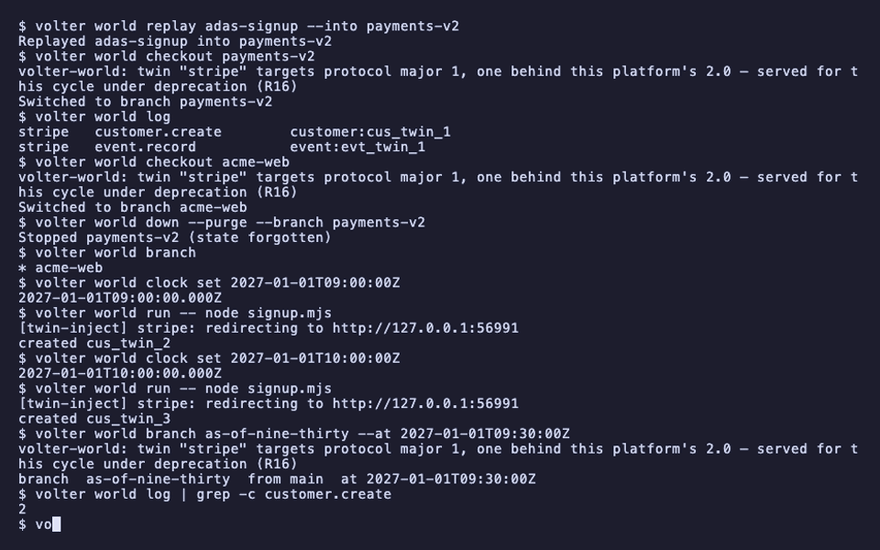
volter world log | grep -c customer.create
branch  as-of-nine-thirty  from main  at 2027-01-01T09:30:00Z
2
The branch holds the first two customers and not the third. --at github@12,jira@7 names a
position per twin instead of an instant; volter world log --json shows every entry's position.
A World served to a browser (volter world view, a host, or the hosted product) has the same on its
dashboard's Branches page: New branch makes one as of now or a moment you pick, for as long
as you say, and opens it read-only in that tab. Each branch's menu compares it with its parent (what
it changed since it branched), resets it to its parent as it is now, or deletes it.
volter world down
Playback
Each command above, as the recording shows it.
npm install
npm install -g @volter/world
npm install -D @volter/twin-stripe
volter world init
volter world up
volter world run -- node signup.mjs
volter world branch payments-v2
volter world log
volter world diff
volter world branch
volter world checkout acme-web
volter world status
volter world log
volter world changeset -m "Ada's signup"
volter world replay adas-signup --into payments-v2
volter world checkout payments-v2
volter world log
volter world checkout acme-web
volter world down --purge --branch payments-v2
volter world branch
volter world clock set 2027-01-01T09:00:00Z
volter world run -- node signup.mjs
volter world clock set 2027-01-01T10:00:00Z
volter world run -- node signup.mjs
volter world branch as-of-nine-thirty --at 2027-01-01T09:30:00Z
volter world log | grep -c customer.create
volter world down