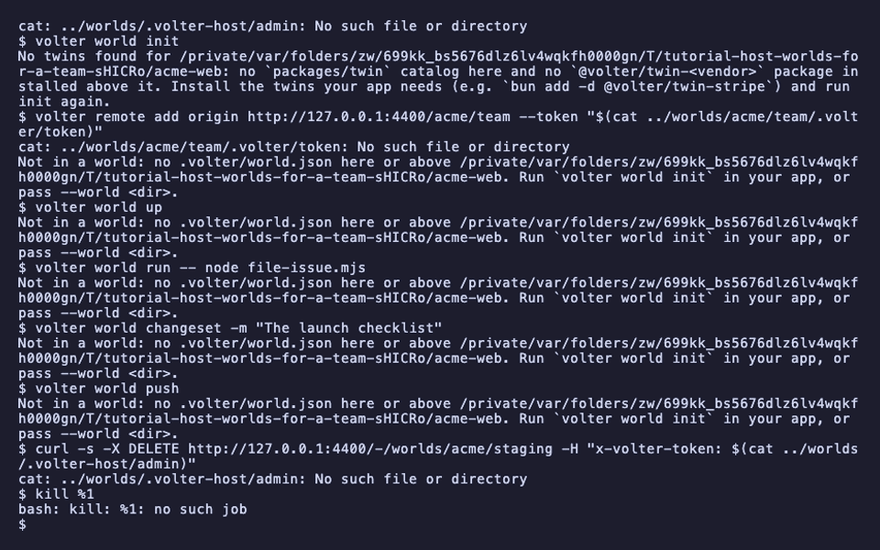
Host worlds for a team
Many worlds under one URL, each with its own token, and a console that shows them all.
This page is executed as written by packages/cli/src/journeys/tutorials.test.ts; the recording
is made from the same run.

A host serves many shared worlds by <org>/<world>. Every world keeps its own token and its own
history; the host keeps one admin token that provisions and removes worlds, and mounts the console
when it is installed beside it. This page runs a host on your machine and points an app at one of
its worlds. Volter runs the same host for you when you would rather not: sign in, create an org,
provision a world — the console, the command and the twins are the same packages. For orgs,
members and sign-in through your own provider (Okta, Entra, Google Workspace, GitHub) instead of
tokens, run the platform in front of the host: Self-host the platform.
The app
{ "name": "acme-web", "private": true, "type": "module", "dependencies": { "@octokit/rest": "^21" } }
import { Octokit } from '@octokit/rest';
const octokit = new Octokit({ auth: process.env.GITHUB_TOKEN });
const { data: issue } = await octokit.issues.create({ owner: 'acme', repo: 'web', title: process.argv[2] ?? 'Launch checklist' });
console.log(`filed #${issue.number}`);
npm install
npm install -g @volter/world
npm install -D @volter/twin-github
The host
A host's directory holds the host, the console and the twin packages its worlds use, and one
bare world per <org>/<world>, laid out as the self-hosted image is. Install them, make the
first world, then serve the directory: the host prints the address it is reached at, its admin
token, and the console's URL. The admin token opens the host's own endpoints and nothing under a
world; keep it where you keep any team secret.
mkdir -p ../worlds && cd ../worlds
npm install @volter/world-host @volter/world-console @volter/twin-github
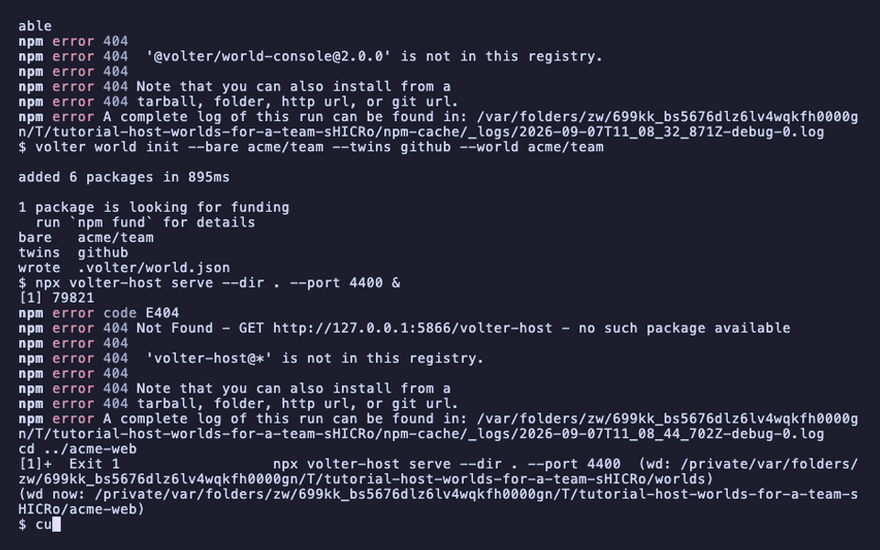
volter world init --bare acme/team --twins github --world acme/team
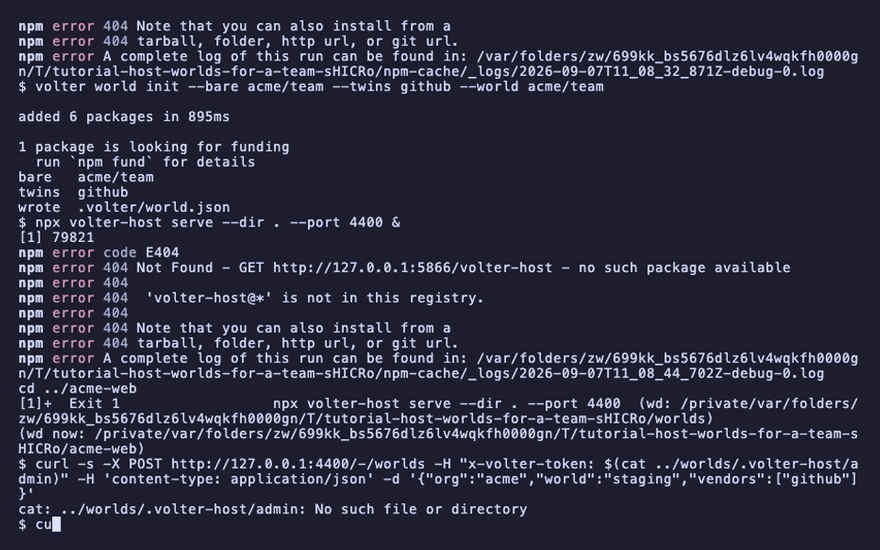
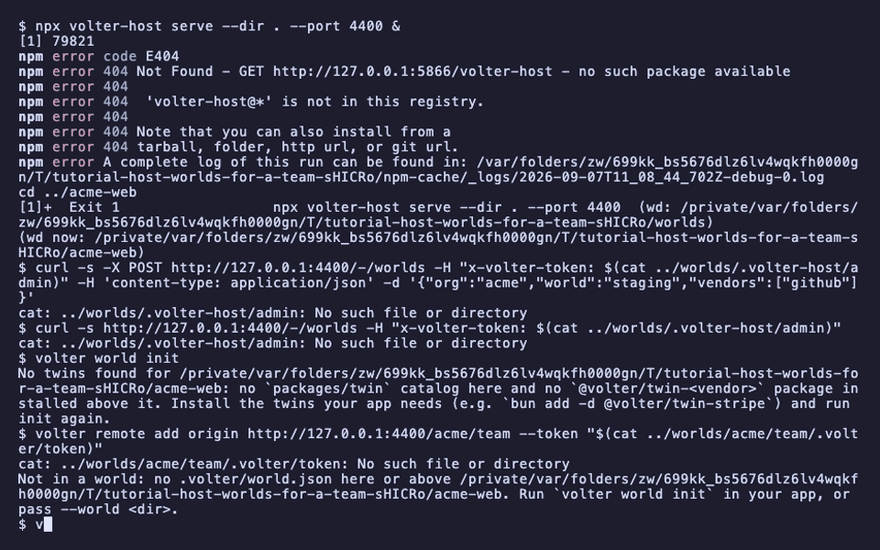
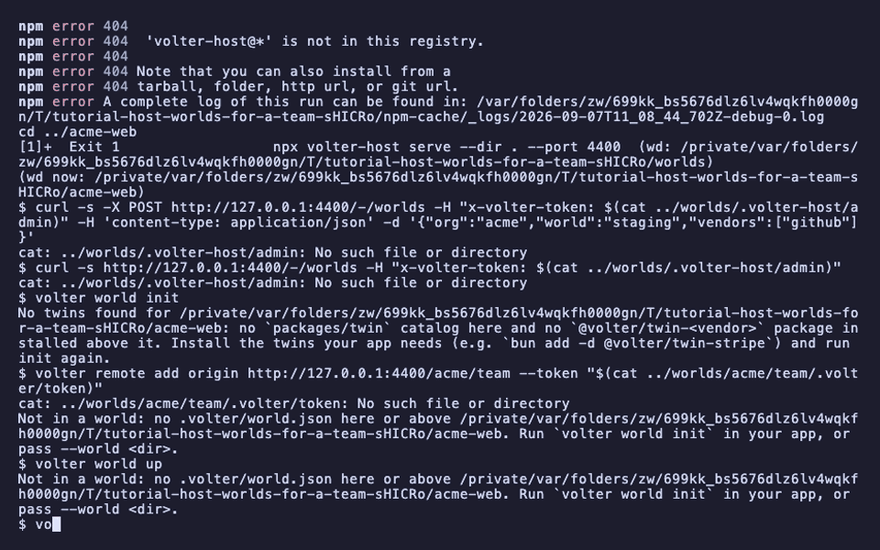
npx volter-host serve --dir . --port 4400 &
cd ../acme-web
host ready  http://127.0.0.1:4400  1 world
admin token  tok_a_
console      http://127.0.0.1:4400/-/console/
Provision a world through the HTTP API
A second world does not need a shell on the host. POST /-/worlds with the admin token makes it,
and GET /-/worlds lists every world the host serves with its base URL and its token.
curl -s -X POST http://127.0.0.1:4400/-/worlds -H "x-volter-token: $(cat ../worlds/.volter-host/admin)" -H 'content-type: application/json' -d '{"org":"acme","world":"staging","vendors":["github"]}'
curl -s http://127.0.0.1:4400/-/worlds -H "x-volter-token: $(cat ../worlds/.volter-host/admin)"
"name":"acme/staging"
"name":"acme/team"
Point your world at one of them
A world on a host is a shared world: remote add records its URL and token, and push sends
your changes to it as a changeset. Nothing about the app changes because the world moved onto a
host.
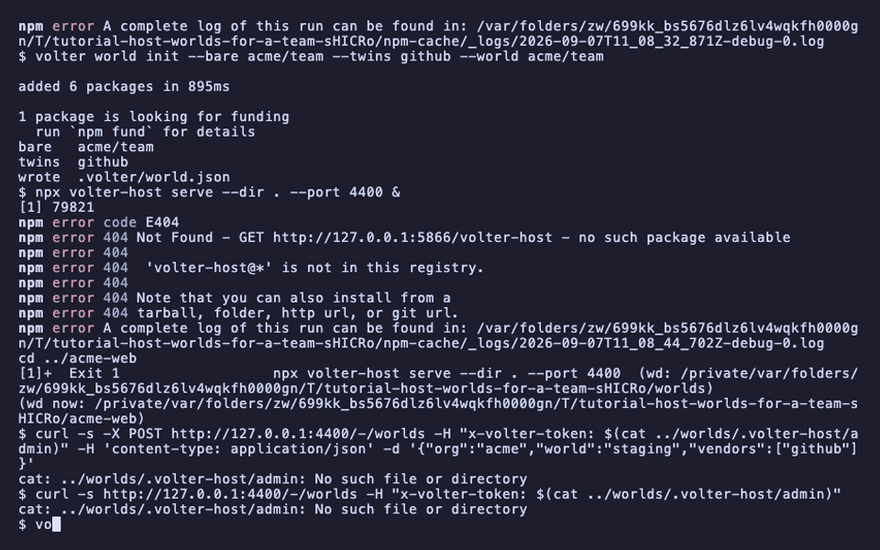
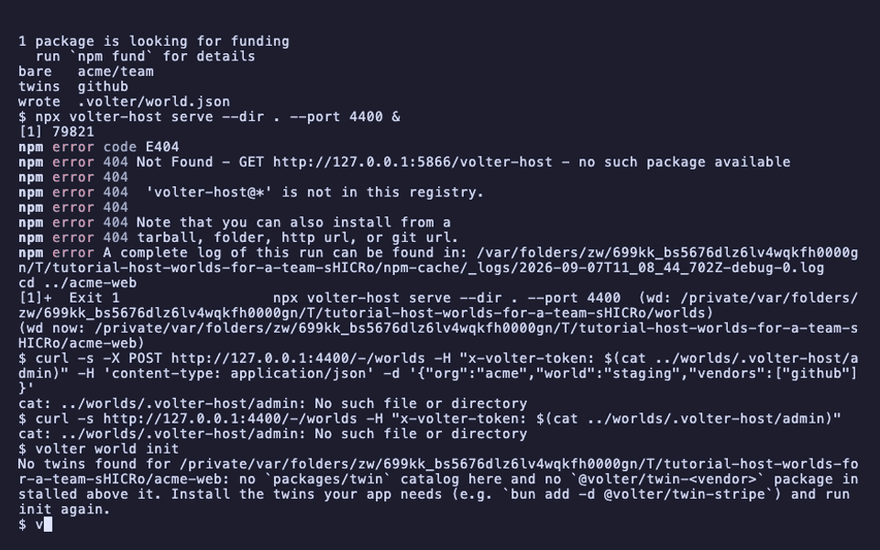
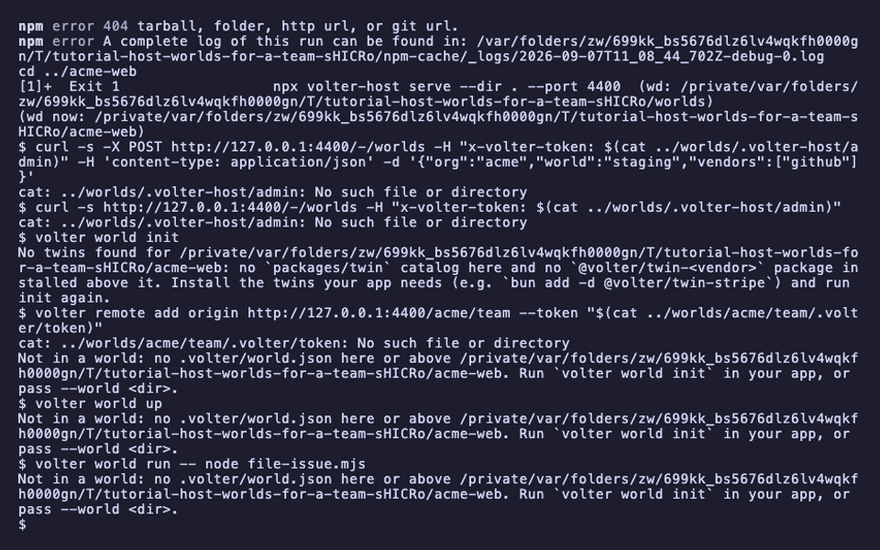
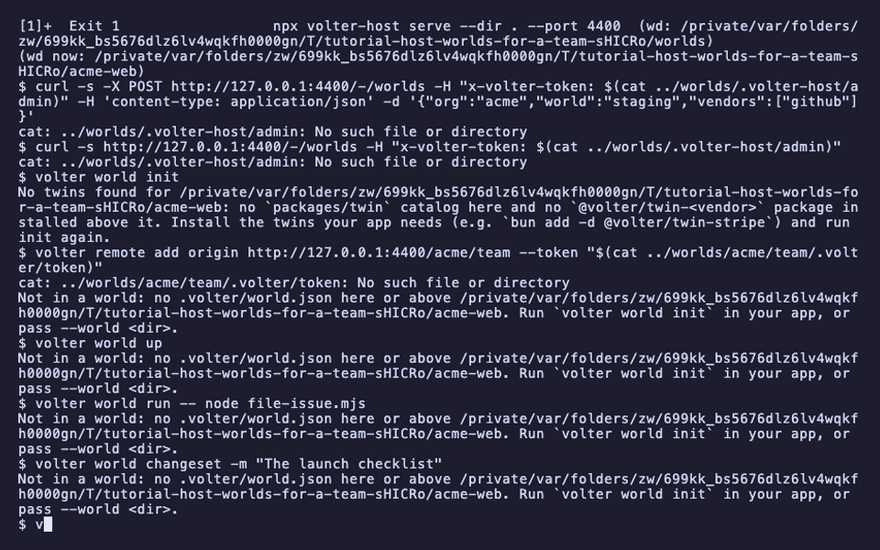
volter world init
volter remote add origin http://127.0.0.1:4400/acme/team --token "$(cat ../worlds/acme/team/.volter/token)"
volter world up
volter world run -- node file-issue.mjs
volter world changeset -m "The launch checklist"
volter world push
filed #1
changeset  the-launch-checklist  1 change
pushed  the-launch-checklist  1 change → origin
The console
Open http://127.0.0.1:4400/-/console/ and paste the admin token: every world the host serves,
with a form to provision another. Open a world and its twins are listed; a twin opens on its log
and its tree, the same log volter world log prints. A world's own token opens the console on that
world alone.
Remove a world
DELETE /-/worlds/<org>/<world> stops the world and removes its directory.
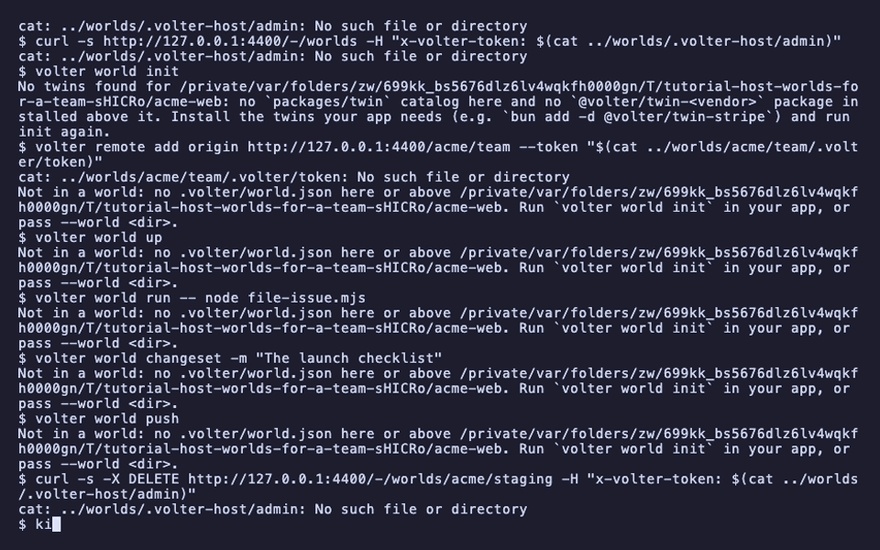
curl -s -X DELETE http://127.0.0.1:4400/-/worlds/acme/staging -H "x-volter-token: $(cat ../worlds/.volter-host/admin)"
"removed":"acme/staging"
Stop the host
The host was started in the background; stop it when you are done. Its directory keeps every
world, so the next volter-host serve brings them all back.
kill %1
Playback
Each command above, as the recording shows it.
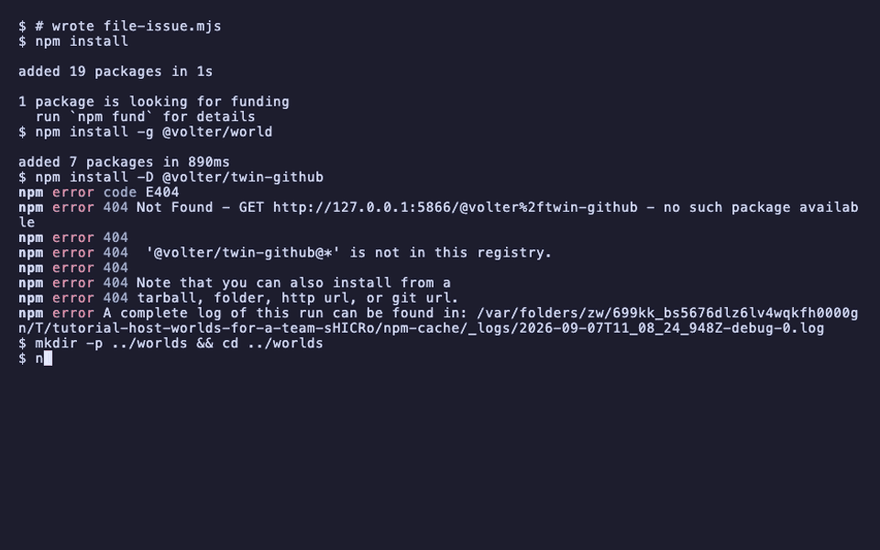
npm install
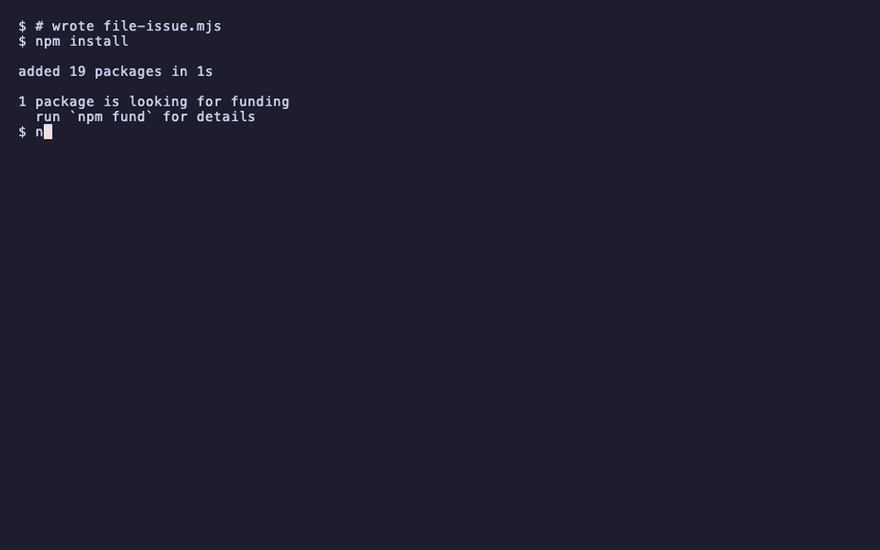
npm install -g @volter/world
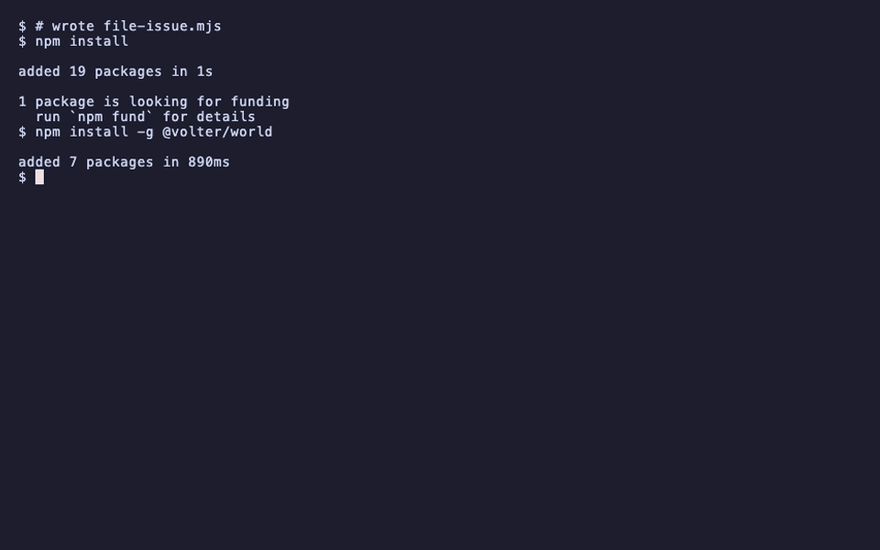
npm install -D @volter/twin-github
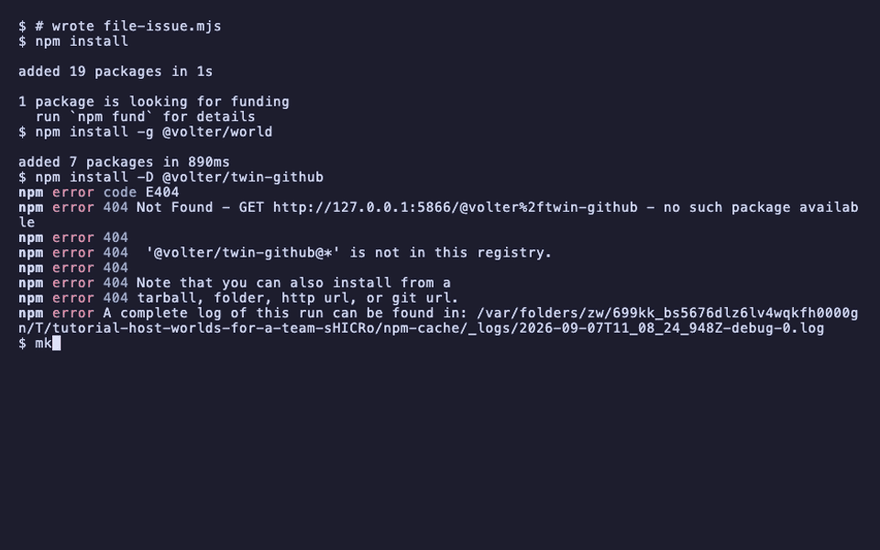
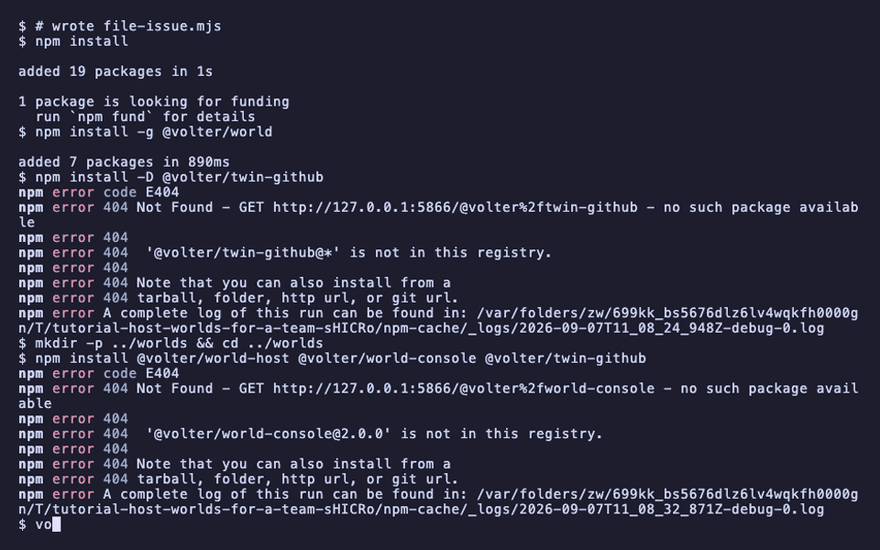
mkdir -p ../worlds && cd ../worlds
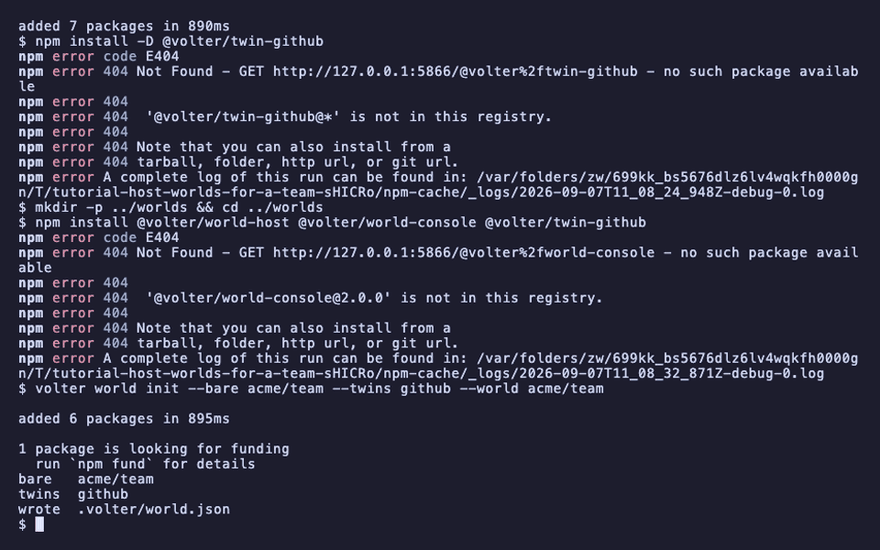
npm install @volter/world-host @volter/world-console @volter/twin-github
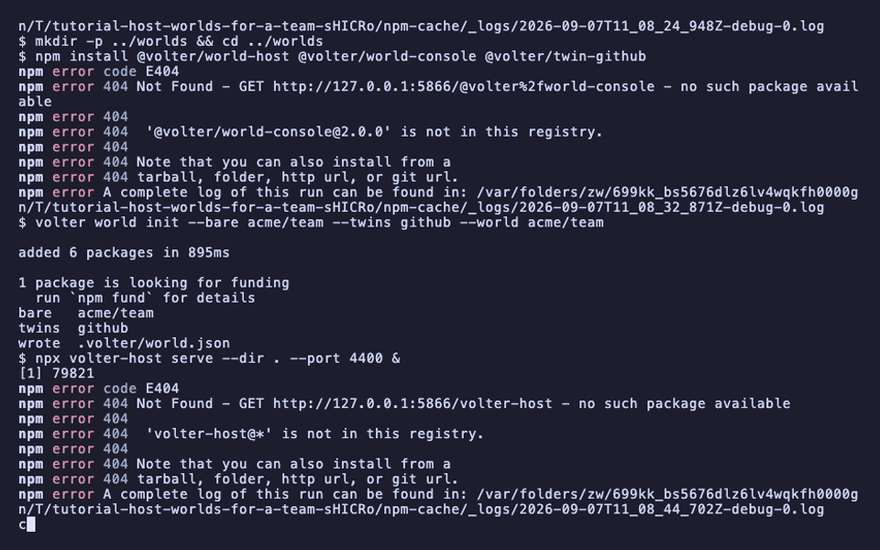
volter world init --bare acme/team --twins github --world acme/team
npx volter-host serve --dir . --port 4400 &
cd ../acme-web
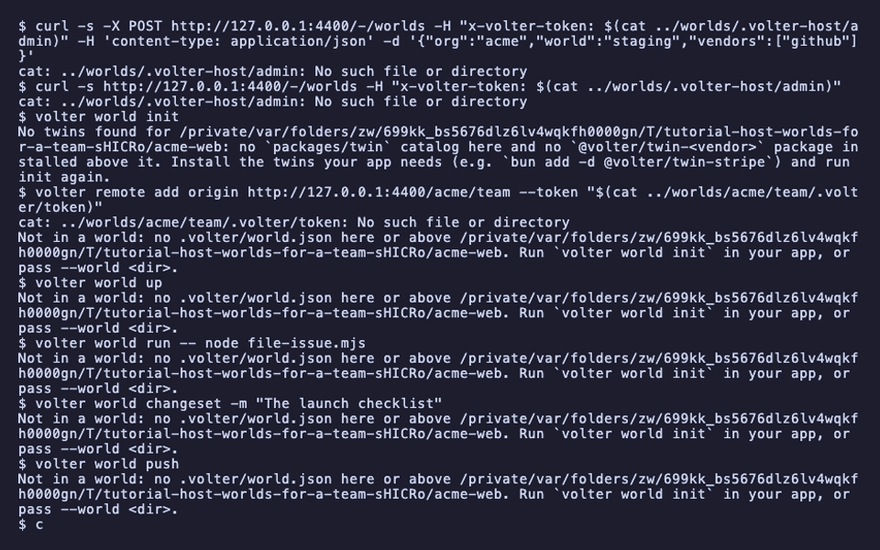
curl -s -X POST http://127.0.0.1:4400/-/worlds -H "x-volter-token: $(cat ../worlds/.volter-host/admin)" -H 'content-type: application/json' -d '{"org":"acme","world":"staging","vendors":["github"]}'
curl -s http://127.0.0.1:4400/-/worlds -H "x-volter-token: $(cat ../worlds/.volter-host/admin)"
volter world init
volter remote add origin http://127.0.0.1:4400/acme/team --token "$(cat ../worlds/acme/team/.volter/token)"
volter world up
volter world run -- node file-issue.mjs
volter world changeset -m "The launch checklist"
volter world push
curl -s -X DELETE http://127.0.0.1:4400/-/worlds/acme/staging -H "x-volter-token: $(cat ../worlds/.volter-host/admin)"
kill %1