# Run your test suite
Point your tests at the twins, and read the log when one fails.
This page is executed as written by `packages/cli/src/journeys/tutorials.test.ts`; the recording
is made from the same run.

## The app
An app that talks to Stripe, with one test. The test constructs its Stripe client exactly as
production code does.
```json file=package.json
{ "name": "acme-web", "private": true, "dependencies": { "stripe": "^17" } }
```
```text file=.env.example
STRIPE_SECRET_KEY=
```
```ts file=signup.test.ts
import '@volter/world-core/attach';
import { test, expect } from 'bun:test';
import Stripe from 'stripe';
test('signup creates a customer', async () => {
const stripe = new Stripe(process.env.STRIPE_SECRET_KEY!);
const customer = await stripe.customers.create({ email: 'ada@example.com', name: 'Ada' });
expect(customer.id).toMatch(/^cus_/);
});
```
The first line is the one thing a Bun test file adds: Bun ignores `NODE_OPTIONS`, so the
injector is armed by that import instead. It does nothing outside a world. A Node runner needs
no line at all.
```bash
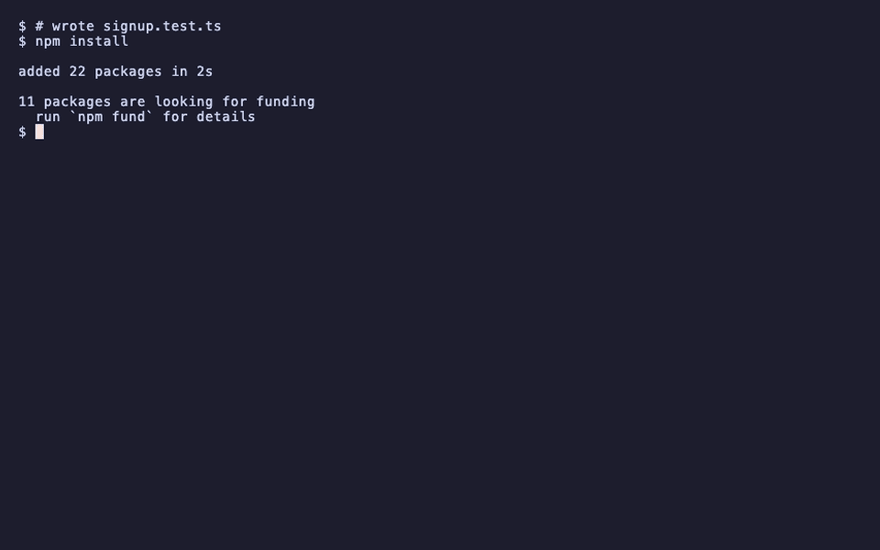
npm install
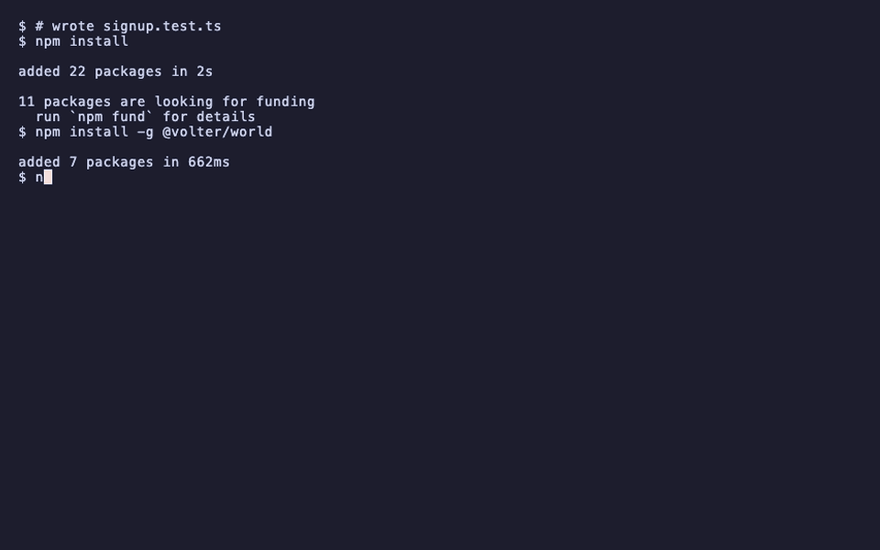
npm install -g @volter/world
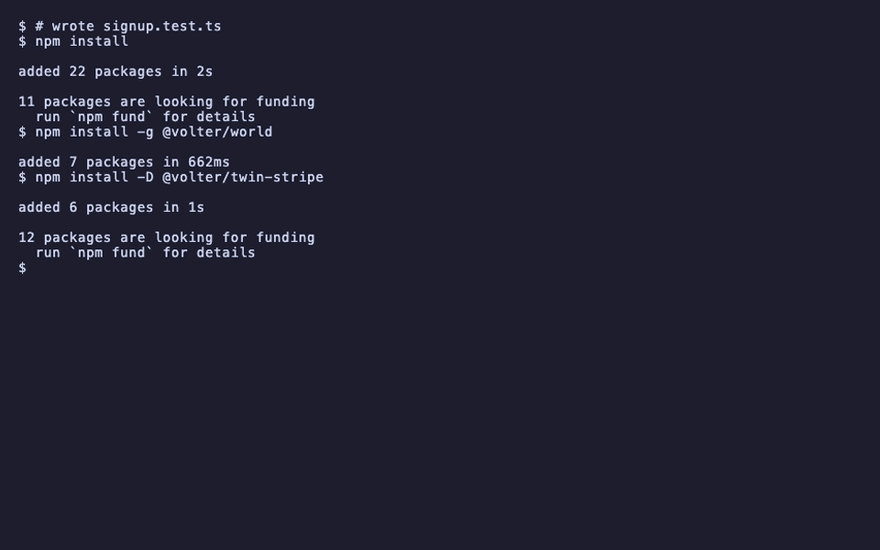
npm install -D @volter/twin-stripe
volter world init
volter world up
```
## Run the suite inside the world
```bash
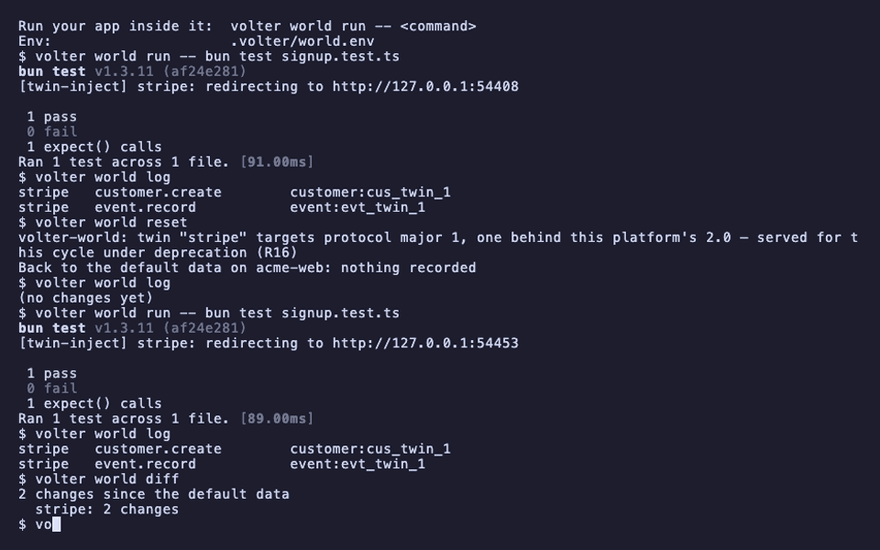
volter world run -- bun test signup.test.ts
```
```text
1 pass
```
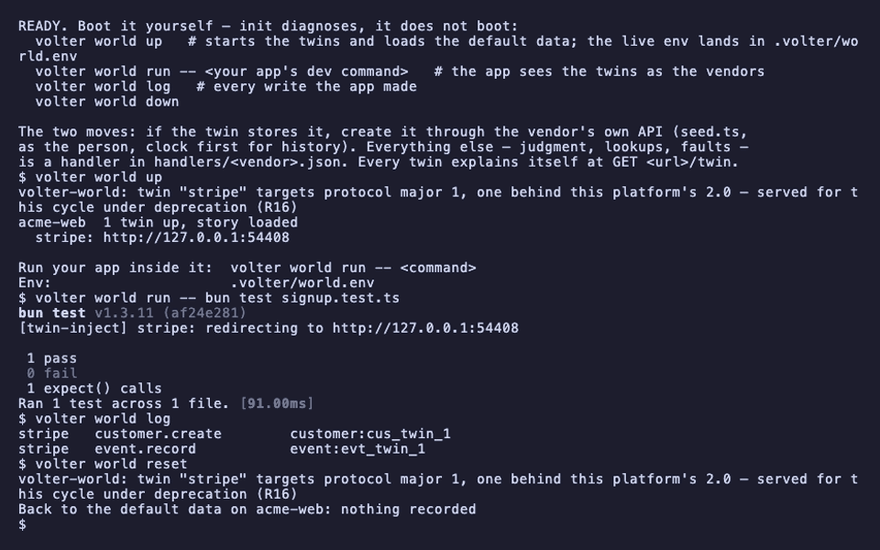
`run` starts the command with the world's env: each twin's URL, the fake credentials, and the
preload that redirects the vendor SDKs. Your tests construct their clients exactly as production
code does; the calls land in the twins. Any runner works: `vitest`, `jest`, `bun test`,
`pytest`, `playwright test`.
The suite's writes are in the log, like any write:
```bash
volter world log
```
```text
stripe customer.create customer:cus_twin_1
```
## Each test starts from known data
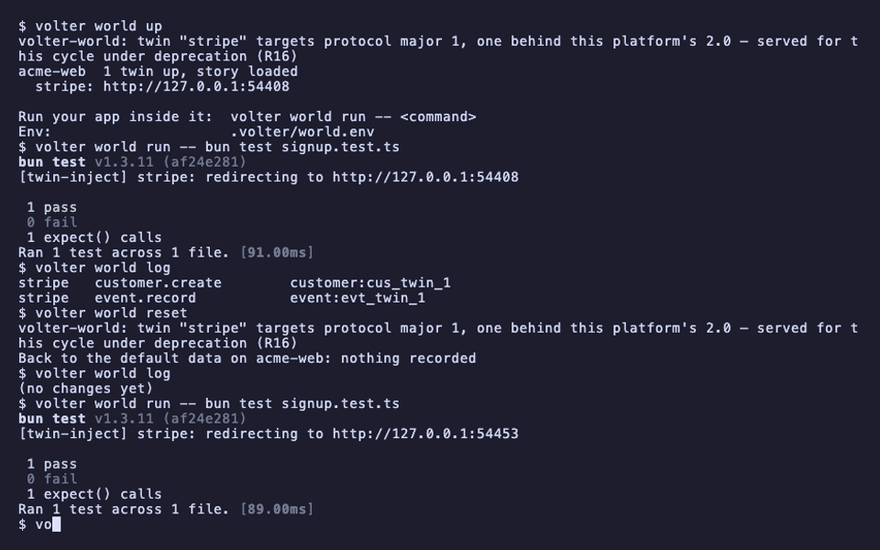
The world stays up between runs, and its state accumulates. Two habits make a suite against
twins deterministic:
- **Start from the default data.** `volter world reset` before the suite, or in a global setup
hook through the SDK: `World.open().reset()`.
- **Create what a test needs through the vendor's API,** in the test's own setup, the way the
seed does. Reads reflect writes, so a customer created in `beforeEach` is there for the test
and can be deleted in `afterEach`.
```bash
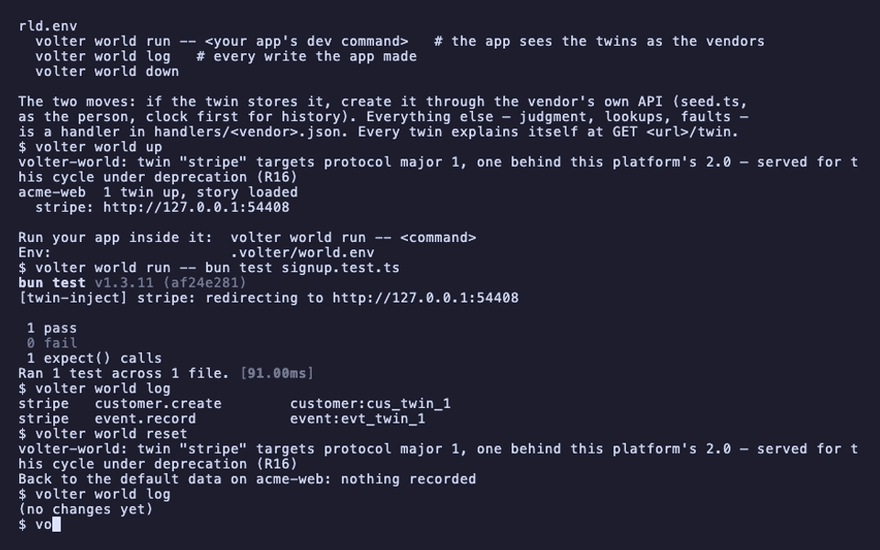
volter world reset
volter world log
```
```text
(no changes yet)
```
A test that needs a call to fail, or a record the API cannot create, uses a handler; see
[shape the world for a test](./shape-the-world-for-a-test.md).
## When a test fails
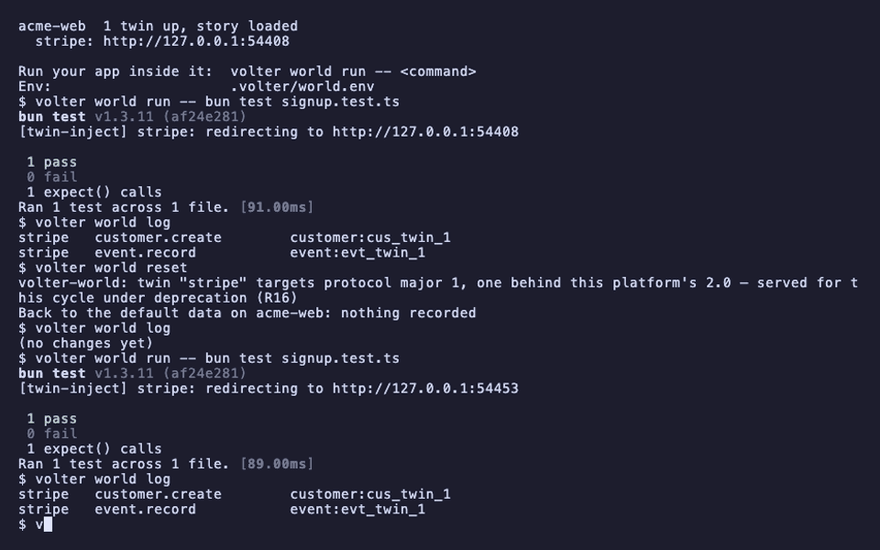
`volter world log` is the first thing to read. It lists every write the app made, across every
twin, in the order they happened. A missing line is a call that never happened. A line with the
wrong subject is a call with the wrong argument.
```bash
volter world run -- bun test signup.test.ts
volter world log
```
```text
stripe customer.create customer:cus_twin_1
stripe event.record event:evt_twin_1
```
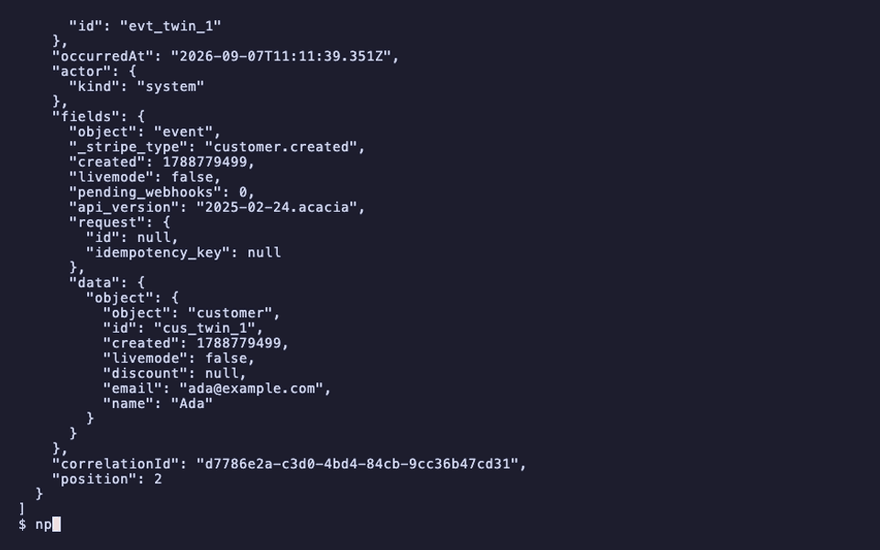
`volter world diff` shows the same changes grouped by vendor; `--json` gives each change in
full, its `fields` included, for a script or an assertion:
```bash
volter world diff
```
```text
2 changes since the default data
stripe: 2 changes
```
```bash
volter world log --json
```
```text
"email": "ada@example.com"
```
A twin refuses an operation it does not model with the vendor's own error. If the failing call is
one your app makes in production, check the twin's coverage in [the index](../reference/coverage.md)
and its README before assuming the app is wrong.
## Assert on state through the SDK
A test can read the world the way `volter world log` does, without parsing output. The SDK is
the same package as the command; a test that imports it needs it in the app:
```bash
npm install -D @volter/world
```
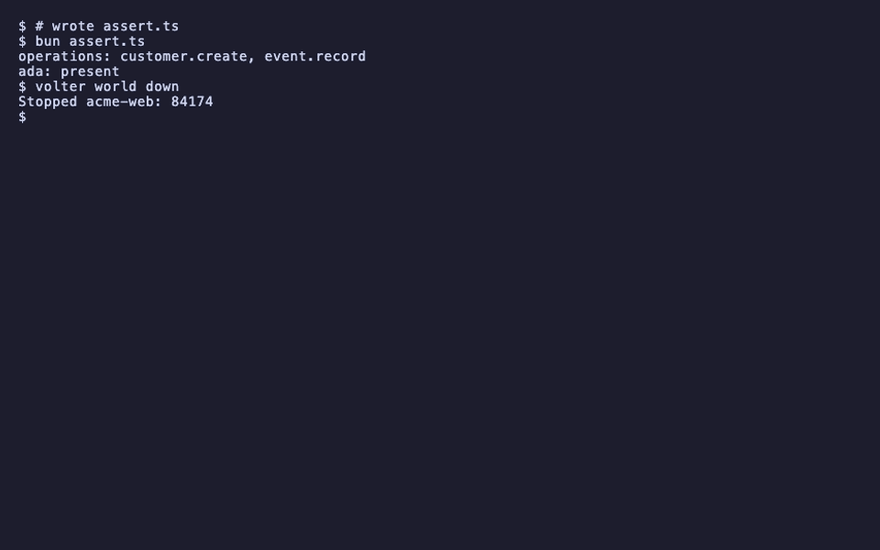
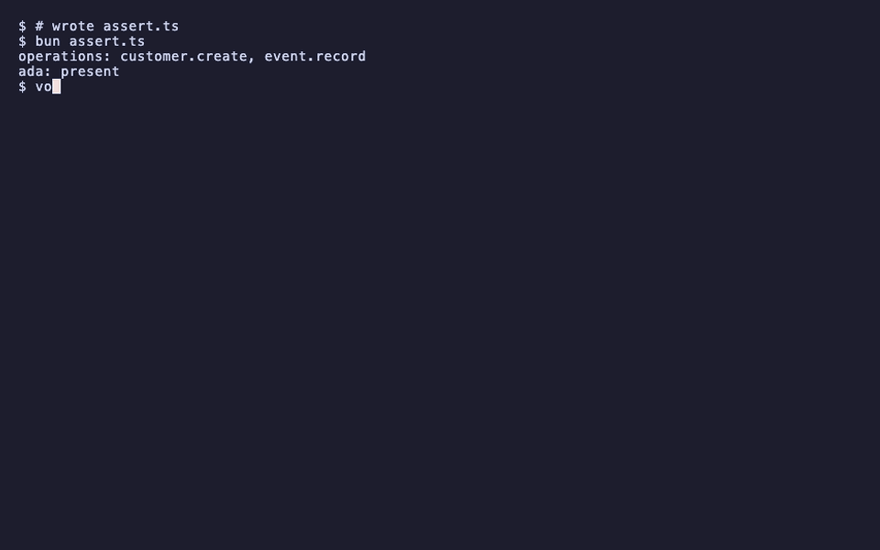
This script opens the world of the current directory and reads the stripe twin's log and its
state:
```ts file=assert.ts
import { World } from '@volter/world';
const world = World.open();
const writes = world.repo('stripe').log();
console.log(`operations: ${writes.map((w) => w.operation).join(', ')}`);
const ada = world.repo('stripe').state().find((r) => (r as { email?: string }).email === 'ada@example.com');
console.log(`ada: ${ada ? 'present' : 'absent'}`);
```
```bash
bun assert.ts
```
```text
operations: customer.create, event.record
ada: present
```
```bash
volter world down
```
## Playback
Each command above, as the recording shows it.
npm install
npm install -g @volter/world
npm install -D @volter/twin-stripe
volter world init
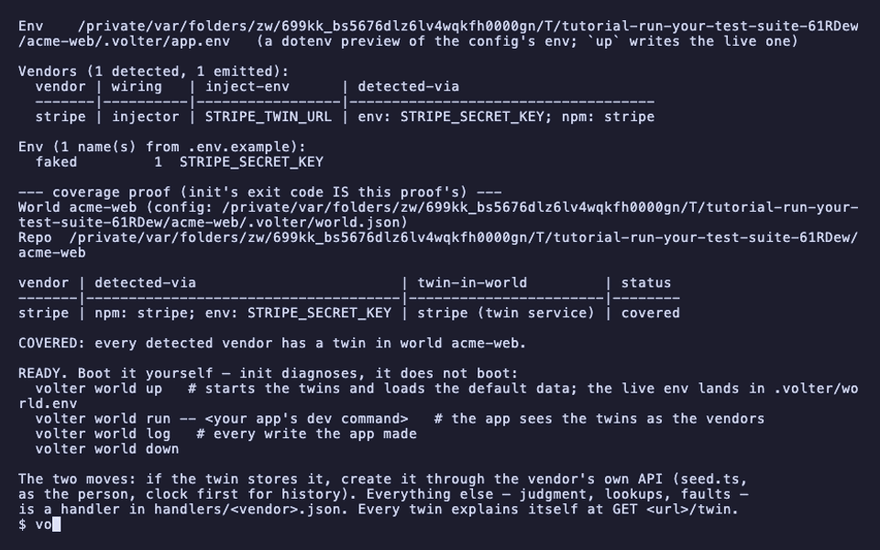
volter world up
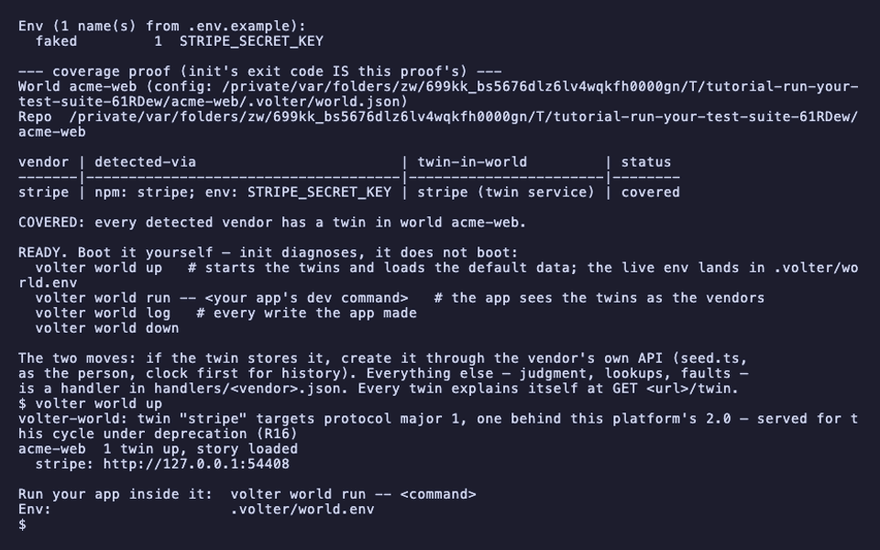
volter world run -- bun test signup.test.ts
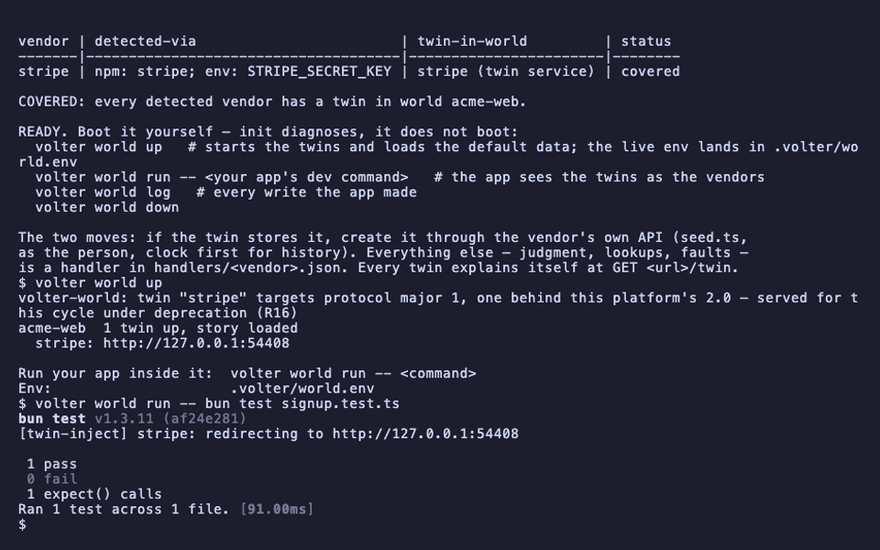
volter world log
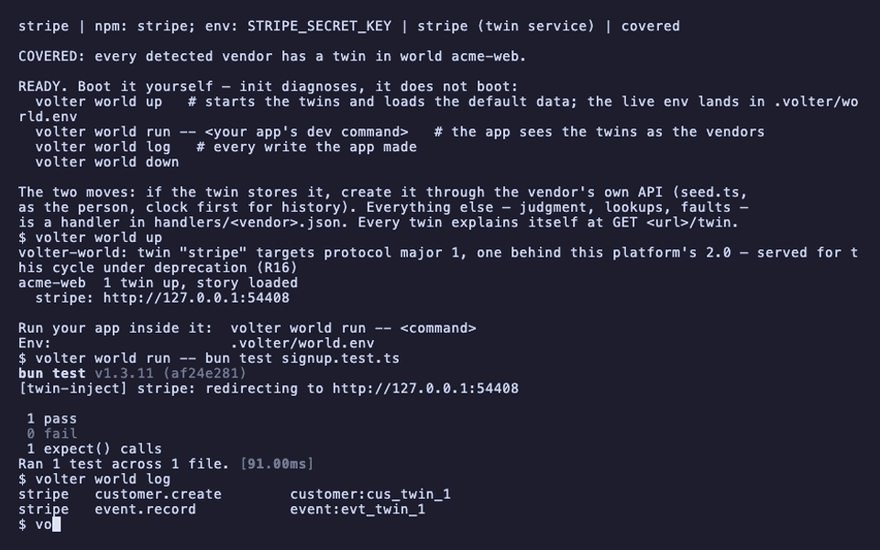
volter world reset
volter world log
volter world run -- bun test signup.test.ts
volter world log
volter world diff
volter world log --json
npm install -D @volter/world

bun assert.ts
volter world down